EN 14
DESCRIPTION OF THE APPLIANCE
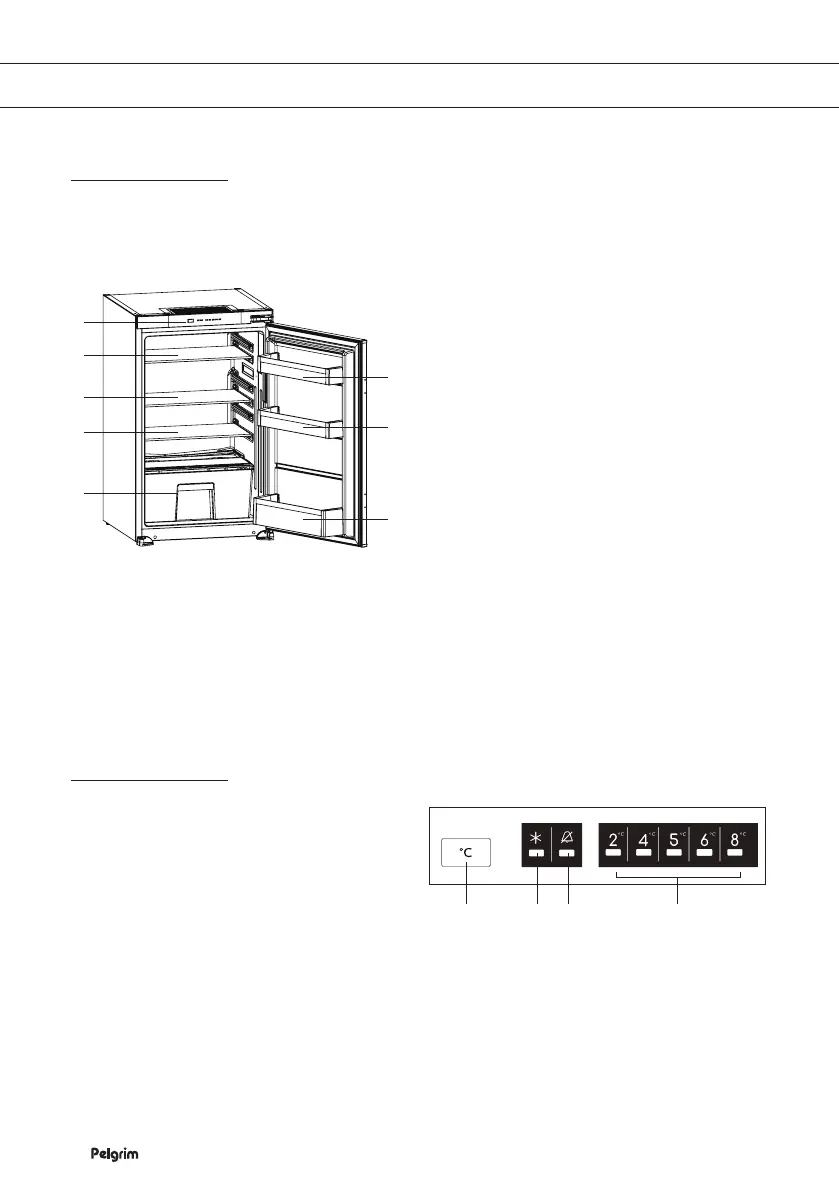
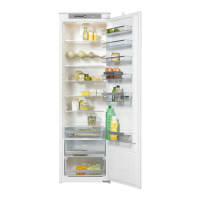
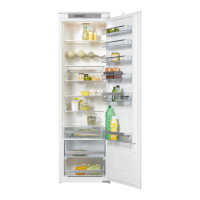
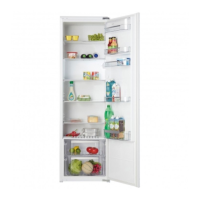
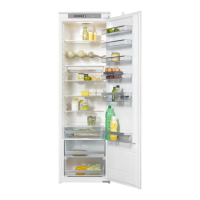
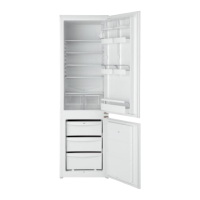
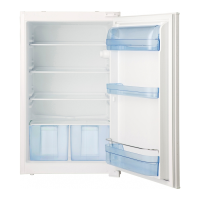
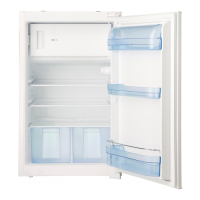
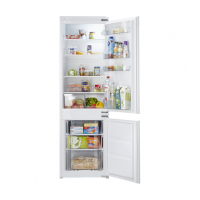
Appliance
This user manual covers different models. It is possible that certain options or accessories do not
apply to your appliance.
1
3
2
2
2
4
4
4
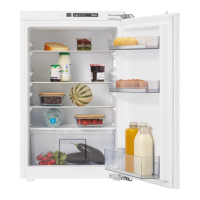
1. Control panel
2. Shelf
3. Vegetable drawer
4. Door compartment
▷ The bottom door compartment is suitable for bottles.
Control panel
1. On/Off button, setting the temperature
and function button
2. ‘Intensive cooling’ indicator light
3. Alarm indicator
4. Temperature indicator lights
1 2 3 4


 To Next Page