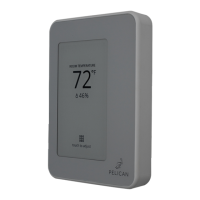
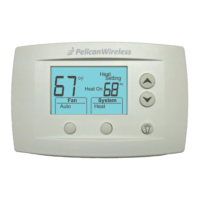
Turn off the power to the equipment
this thermostat is going to be wired to.
Either turn off power at the circuit
breaker panel or by turning off the
master power.
Replacing an existing wired thermostat
Remove the cover from the old
thermostat and either take a picture
or label the wires as a guide for wiring
the new Pelican thermostat.
Uninstall the old thermostat and set
aside.
Installing a Pelican thermostat in a new location
This Pelican thermostat is designed to
either mount flush on the wall or on a
vertical 1-gang electrical box.
Choose a mounting location where
the thermostat:
is at least 48" to 60" above the floor.
is on an interior wall.
where it can detect the temperature
of the room it will be maintaining.
and is away from sun exposure or
airflow drafts.
Turn Off power
ON
OFF
2


 To Next Page