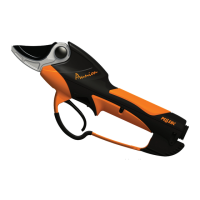
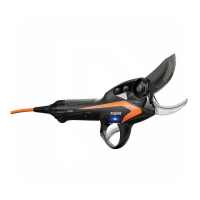
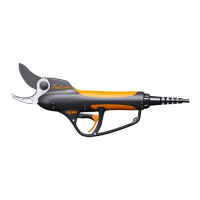
PRUNING SHEARS AND 150 BATTERY VINION & PRUNION
26_116772-H
6.4. BATTERY REPLACEMENT
Warning
The battery must only be replaced and disposed of by an authorised distributor.
6.5. CHARGER MAINTENANCE
• The charger is maintenance-free.
• Disconnect the charger before cleaning it.
• Clean the charger case using a damp cloth and a gentle detergent.
6.6. OTHER MAINTENANCE
Avoid the formation of abrasive paste (oil + soil) as much as possible via frequent cleaning. To do this:
• Clean the front of the shears with a cloth and compressed air, do not use solvents such as trichlorethylene,
turpentine, gasoline, or similar products.
• Lubricate the blade and the blade axes sparingly but often (once a week).
• Do not leave the pruning shears in the soil or exposed to the elements.
EVERY 200 HOURS, change the following kits (contact your distributor to change these kits):
PRUNION VINION
• Blade kit (ref. 122991)
• Blade pin kit (réf. 123762)
• Maintenance kit (ref. 122688)
• Blade kit (ref. 118259)
• Blade pin kit (ref. 122671)
• Maintenance kit (ref. 122672)
7. INCIDENTS AND TROUBLESHOOTING
7.1. RECAP OF BATTERY DISPLAY MESSAGES AND AUDIBLE SIGNALS
Normal messages
Use
fixed
• Battery during operation
• Battery charge level between 0% and 99%.
with 1 beep per minute
• Charge level very low,
• Tool shutdown imminent
• Charge the battery
flashing with 1 beep every 10 seconds
• Empty battery,
• tool stopped
• Charge the battery
Charge
flashing every 4 seconds
• Battery on charge
• Battery charge level between 0% and 99%.
fixed
• Battery charged
Storage
flashing
• Standby mode after 10 days of non-use (50 to 99)
30



 To Next Page