Troubleshooting for wireless
mode
If you are unable to connect the keyboard, please try
the following:
1. Make sure the keyboard is in Bluetooth mode.
State indicator light is blue when keyboard is
powered on. Press “FN+
” switch to wireless
connection.
2. Starting with a full charge on both devices
ensures that process won´t be interrupted by
low battery.
3. Make sure your devices Bluetooth is on.
4. Make sure that the keyboard is within the
effective operation distance of 10 meters. (line
of sight, walls etc. will reduce operational
range)
Troubleshooting for wired mode
Make sure that the keyboard is in wired mode. Press
“FN+
” switch to wired connection, State indicator
light should be green.
Safety instructions
1. Keep the keyboard away from sharp objects that
could damage it.
2. Do not put heavy objects on the keyboard.
3. Do not stretch, twist or apply force to the
keyboard.
4. To clean the keyboard, gently wipe it by using a
moist cotton cloth.
5. Make sure the keyboard is turned off before
cleaning. Do not use liquid cleanser.
6. Please do not spill liquids on the keyboard.
7. Avoid extreme hot and cold temperatures.
Technical specifications
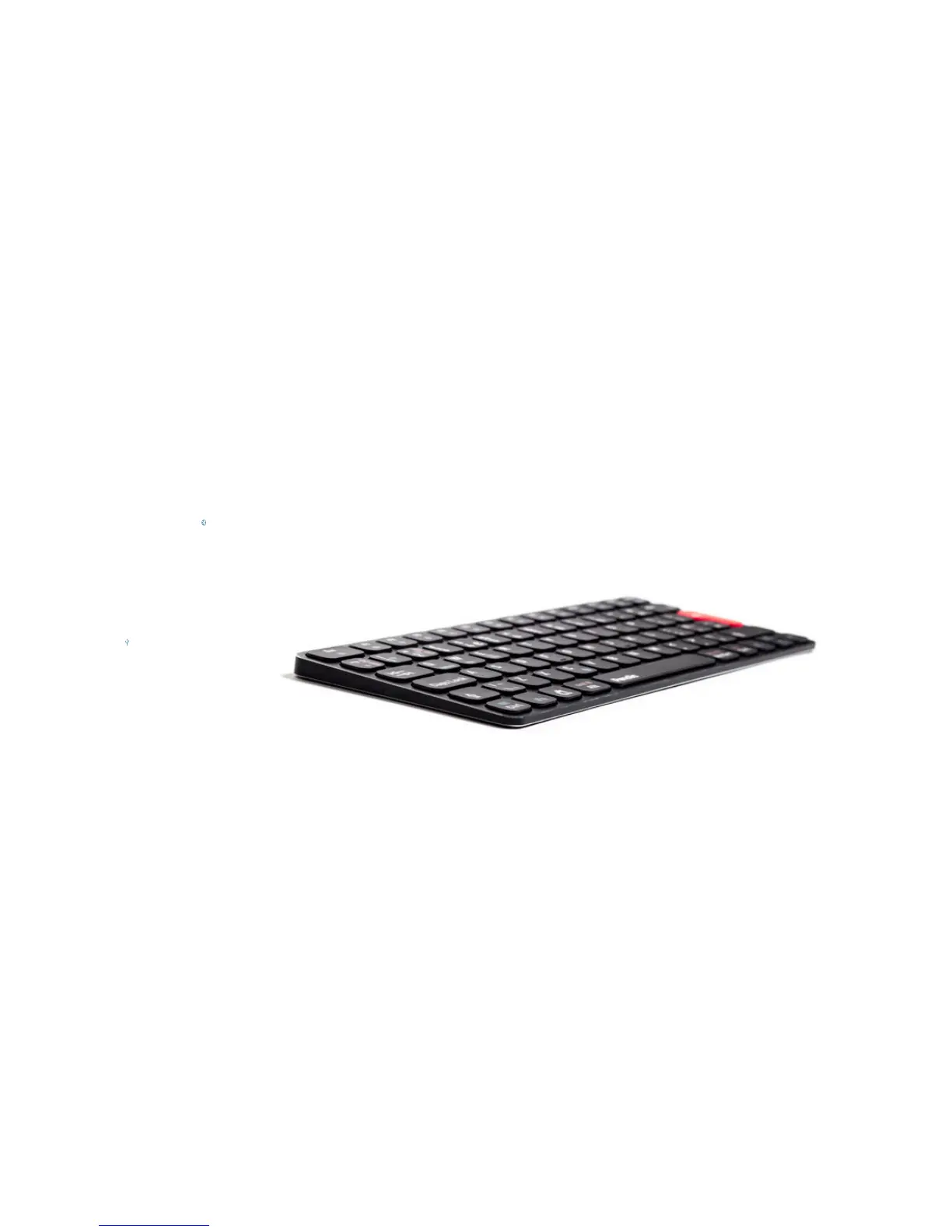
Supported platforms of Penclic Mini Keyboard KB3.
- Windows XP and newer.
- Android
- iOS
- OSX
No driver needed.
Bluetooth version 3.0
USB HID 1.1 compatible.
Battery capacity: 250mAh
Battery type: Lithium-polymer battery
Battery voltage:3.1V~4.2V
Sleep energy saving mode activates after 30 minutes,
press any button to reconnect.
Wireless reach: up to 10 meters
Measurements:
Height: 10.25 mm
Surface: 280 x 115.5 mm
Weight: 284 grams
Cable length: 150 cm
Contact
+46 705 802 140
contact@penclic.se



 To Next Page