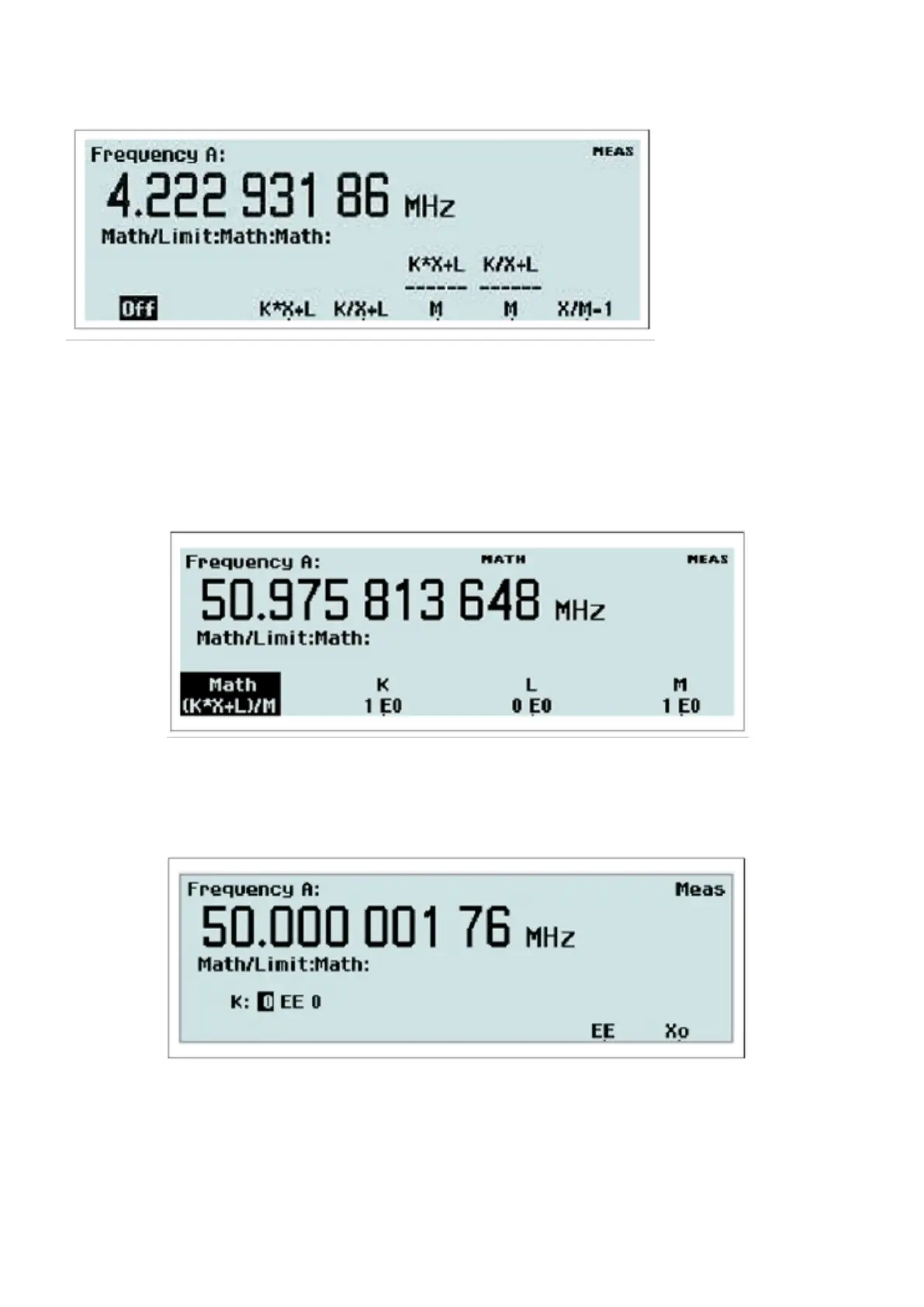
Fig. 2-25 Selecting Math formula for postprocessing.
The display tells you that the Math function is not active, so press the Math Off key once to open the formula selection
menu.
Select one of the five different formulas, where K, L and M are constants that the user can set to any value. X stands for
the current non-modified measurement result.
Fig. 2-26 Selecting formula constants.
Each of the softkeys below the constant labels opens a value input menu like the one below.
Fig. 2-27 Entering numeric values for constants.
Use the numeric input keys to enter the mantissa and the exponent, and use the EE key to toggle between the input
fields. The key marked X0 is used for entering the display reading as the value of the constant.
31 / 50



 To Next Page