The Limit submenu is treated in a similar way, and its features are explored beginning on page 6-6.
User Options
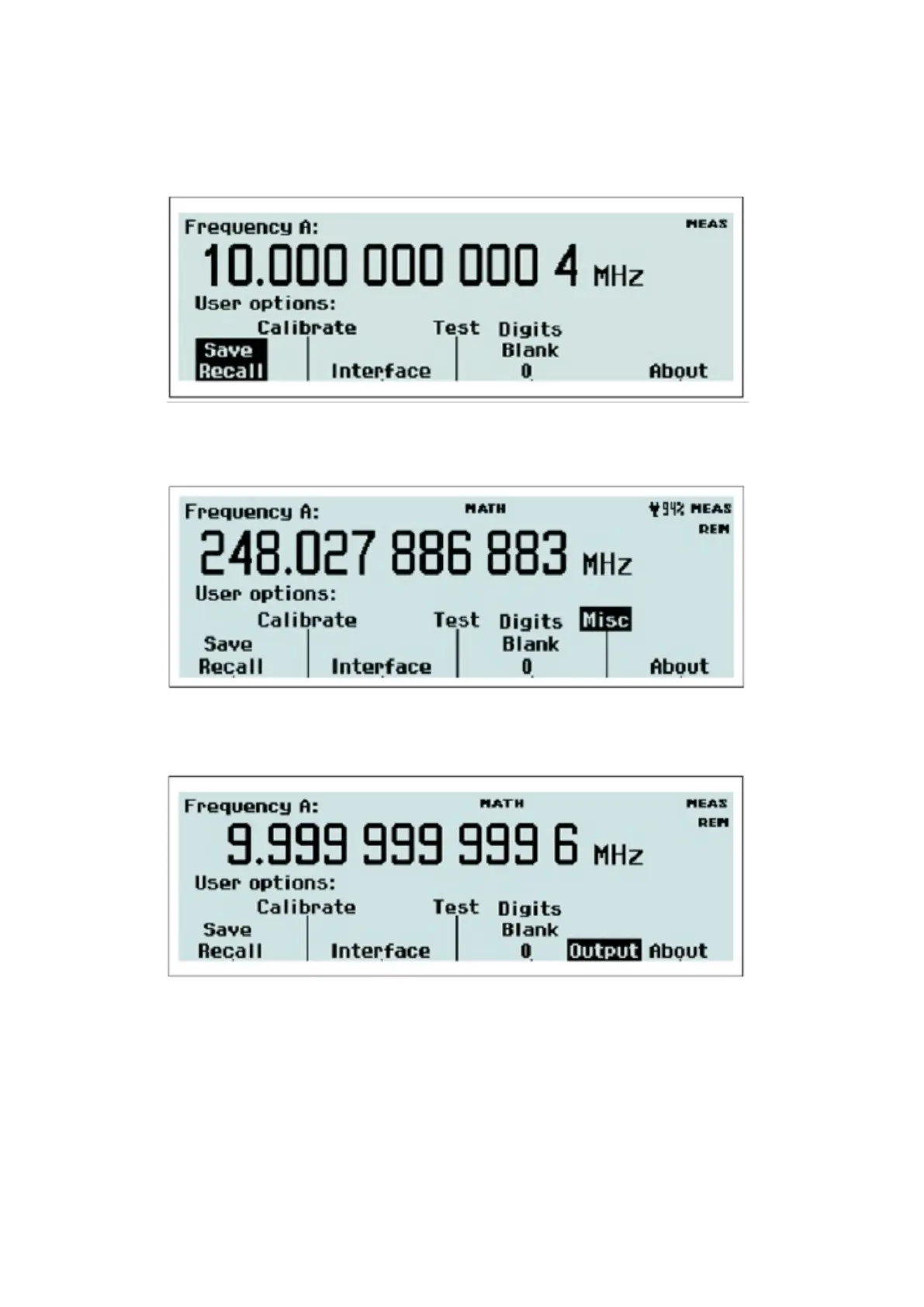
Fig. 2-28 CNT-90: The User Options menu.
Fig. 2-29 CNT-90XL & CNT-90 with Option 23/90: The User Options menu.
Fig 2-30 CNT-91(R): The User Options menu.
From this menu you can reach a number of submenus that do not directly affect the measurement. You can choose
between a number of modes by pressing the corresponding softkey.
Save/Recall Menu
32 / 50



 To Next Page