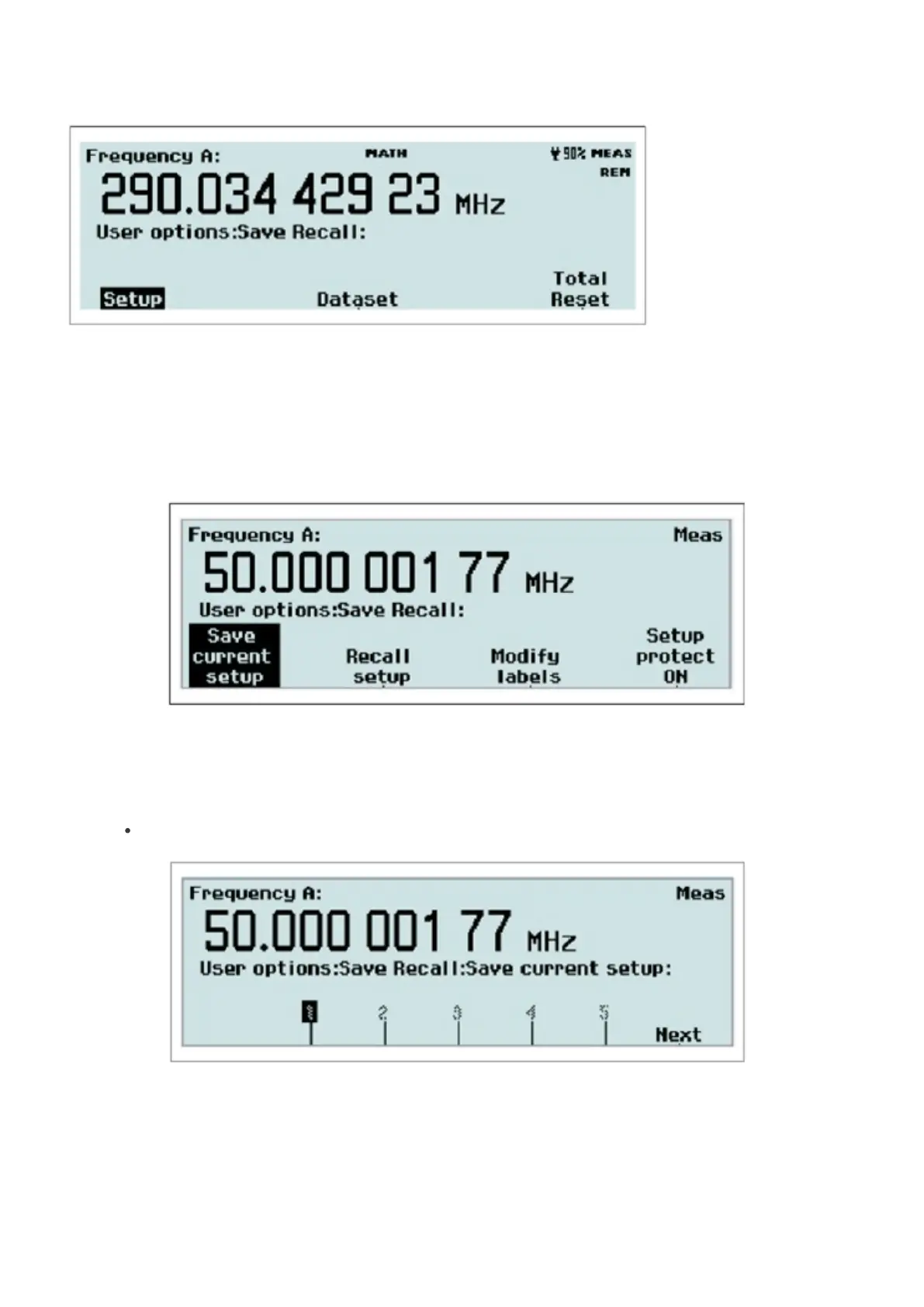
Fig. 2-31 The menu appearance after pressing Save/Recall.
Twenty complete front panel setups can be stored in non-volatile memory. Access to the first ten memory positions is
prohibited when Setup Protect is ON. Switching OFF Setup Protect releases all ten memory positions simultaneously.
The different setups can be individually labeled to make it easier for the operator to remember the application.
Fig. 2-32 The memory management menu after pressing Setup.
The following can be done:
Save current setup
Fig. 2-33 Selecting memory position for saving a measurement setup.
Browse through the available memory positions by using the RIGHT/LEFT arrow keys. For faster browsing, press the
key Next to skip to the next memory bank. Press the softkey below the number (1-20) where you want to save the
33 / 50



 To Next Page