setting.
Recall setup
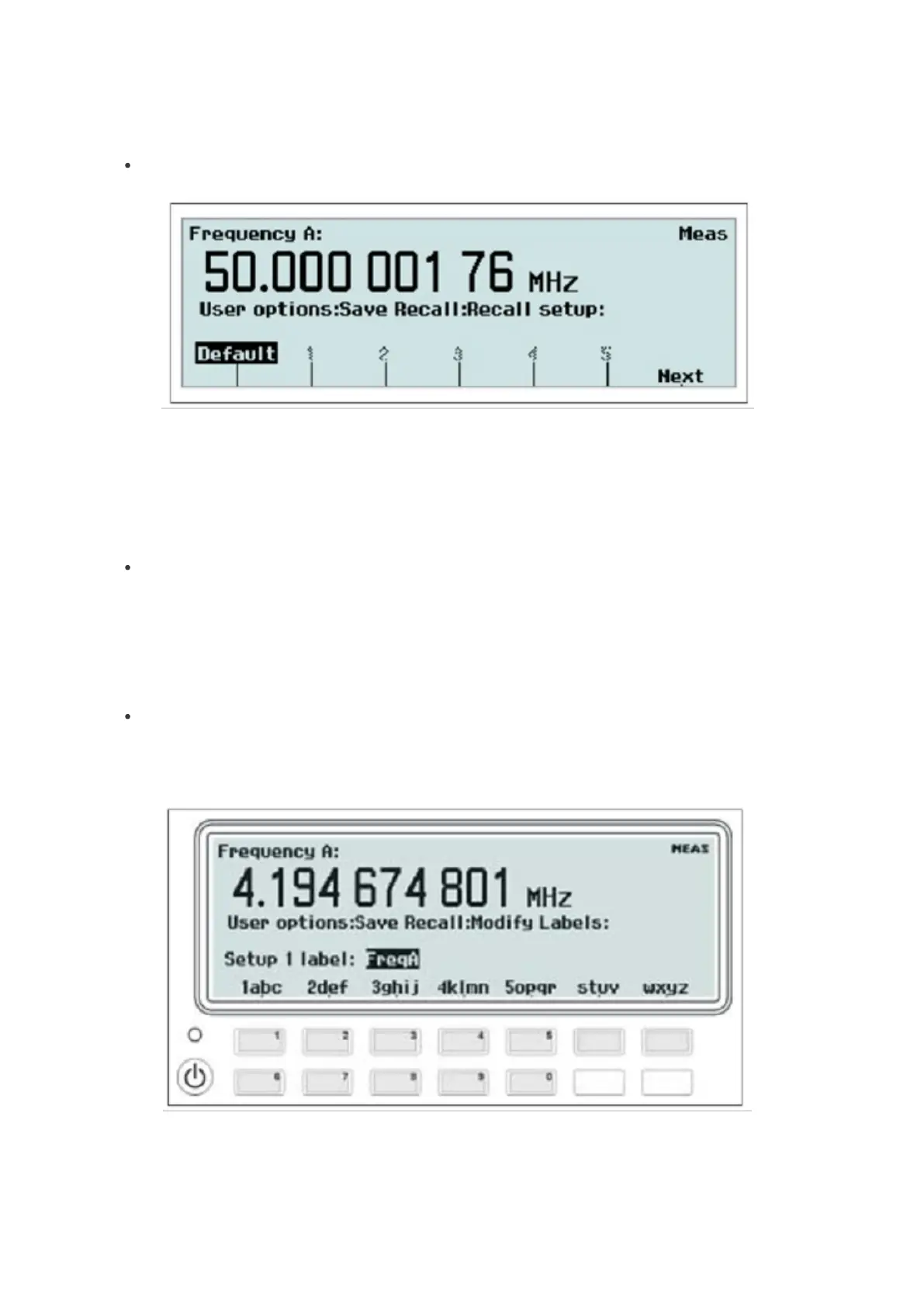
Fig. 2-34 Selecting memory position for recalling a measurement setup.
Select the memory position from which you want to retrieve the contents in the same way as under Save current setup
above. You can also choose Default to restore the preprogrammed factory settings. See the table on page 2-19 for a
complete list of these settings.
Modify labels
Select a memory position to which you want to assign a label. See the descriptions under Save/Recall setup above.
Now you can enter alphanumeric characters from the front panel. See the figure below.
The seven softkeys below the display are used for entering letters and digits in the same way as you write SMS
messages on a cell phone.
Setup protection
Toggle the softkey to switch between the ON/OFF modes. When ON is active, the memory positions 1-10 are all
protected against accidental overwriting.
Fig. 2-35 Entering alphanumeric characters.
34 / 50



 To Next Page