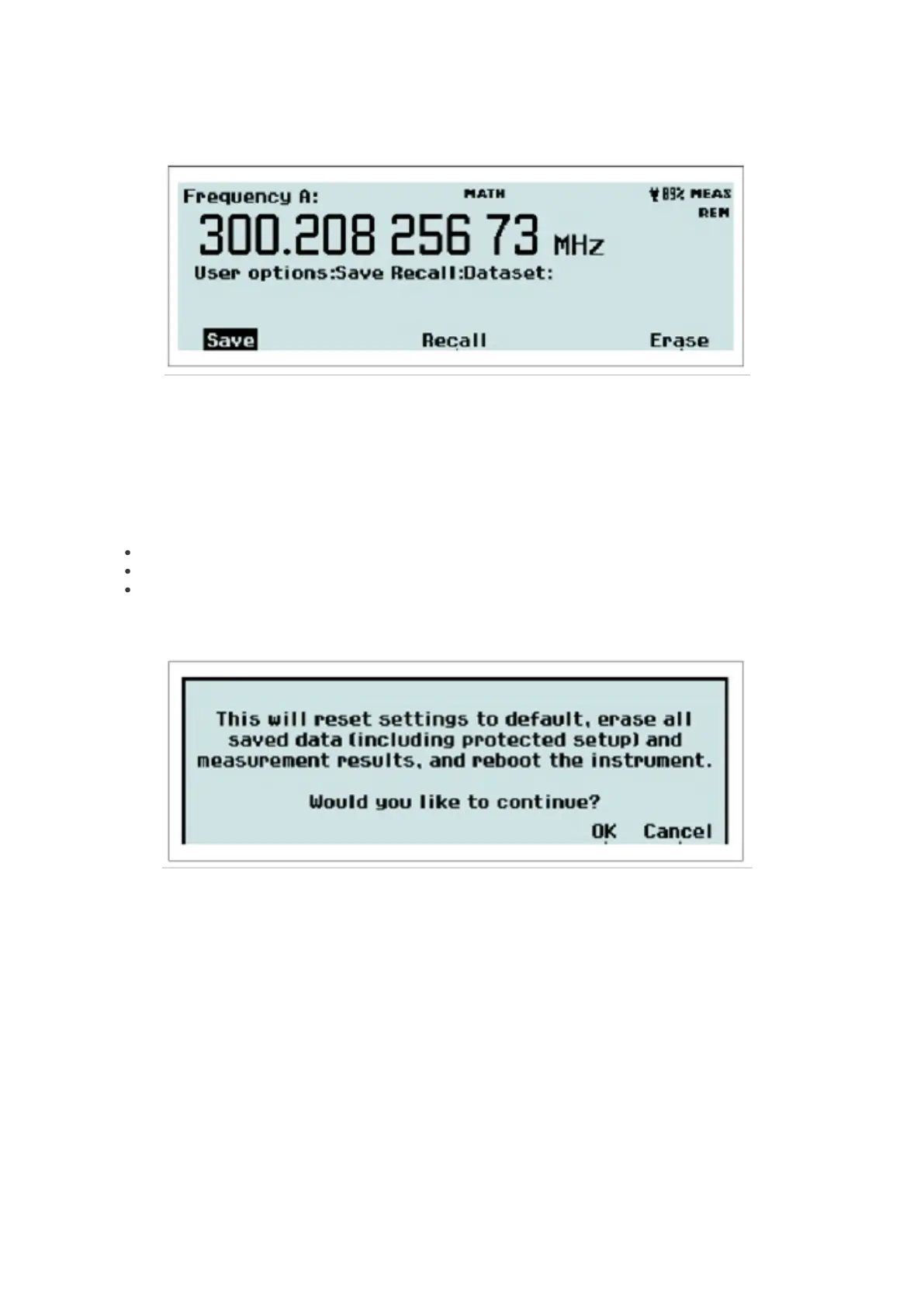
Dataset Menu
Fig. 2-36 The memory management menu after pressing Dataset.
This feature is available in statistics mode only, and if HOLD has been pressed prior to initiating a measurement with
RESTART. Up to 8 different datasets can be saved in FLASH memory, each containing up to 32000 samples. If the
pending measurement has more than 32000 samples, only the last 32000 will be saved. A default label will be assigned
to the dataset. It can be changed in a similar way as the setup labels. See Modify labels above.
Save: Select a memory position, accept or change the name, and press OK.
Recall: Select a memory position and press OK.
Total Reset: The safety screen below will appear. Pressing OK will restore all factory settings and erase all
user information.
Fig. 2-37 The Total Reset safety screen.
Calibrate Menu
This menu entry is accessible only for calibration purposes and is password-protected.
Interface Menu
35 / 50



 To Next Page