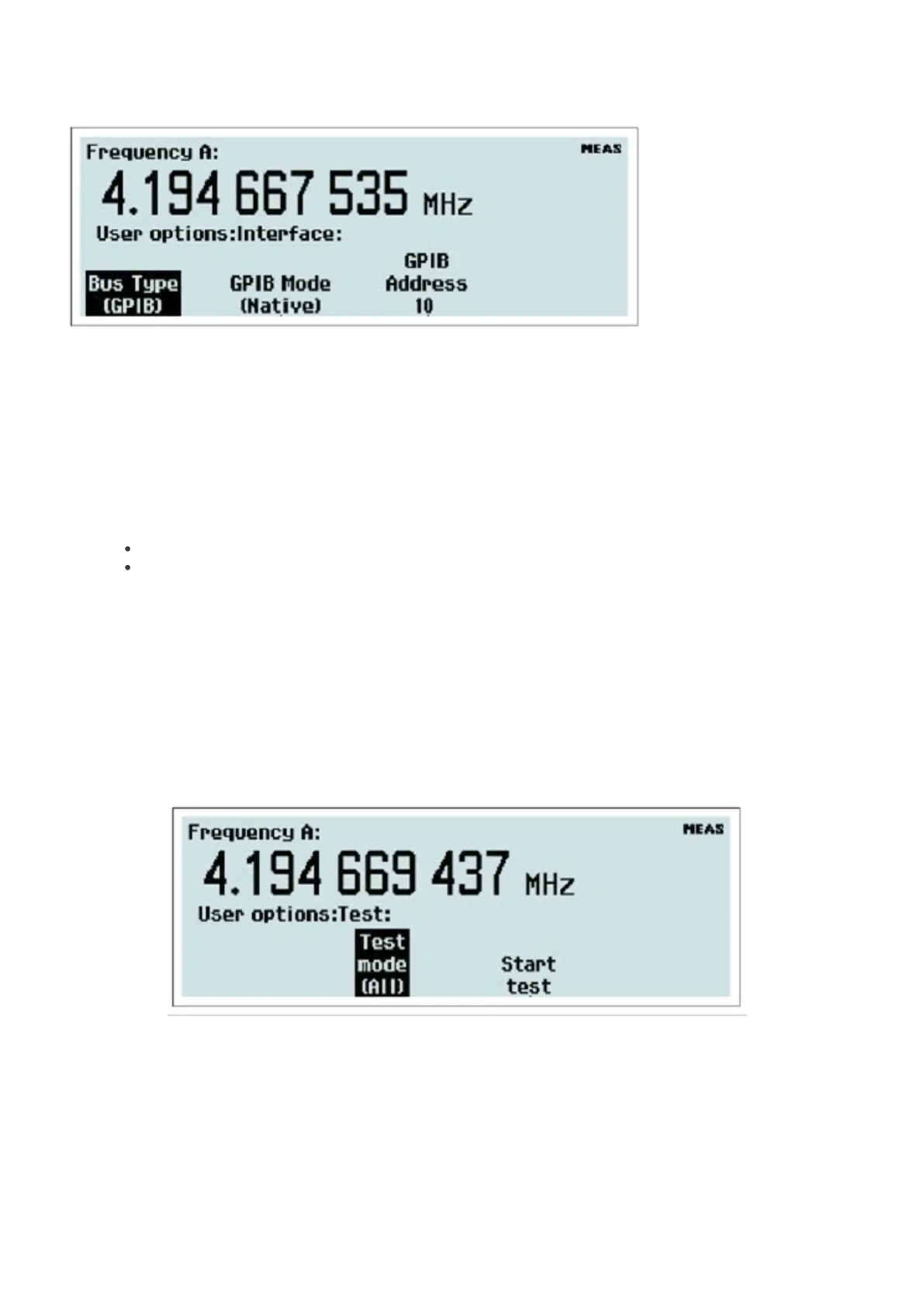
Fig. 2-38 Selecting active bus interface. Bus Type
Select the active bus interface. The alternatives are GPIB and USB. If you select GPIB, you are also supposed to select
the GPIB Mode and the GPIB Address. See the next two paragraphs.
GPIB Mode
There are two command systems to choose from.
Native: The SCPI command set used in this mode fully exploits all the features of this instrument series.
Compatible: The SCPI command set used in this mode is adapted to be compatible with Agilent
53131/132/181.
GPIB Address
Value input menu for setting the GPIB address.
Test
A general self-test is always performed every time you power-up the instrument, but you can order a specific test from
this menu at any time.
Fig. 2-39 Self-test menu.
Press Test Mode to open the menu with available choices.
36 / 50



 To Next Page