Chapter 2 Start to Use
2-5
Tip 1 : You can select [Reset] to start the calibration again.
Tip 2 : After the calibration, the new conf guration would take e ect immediately. You
do not need to reboot or reload Write2Go program.
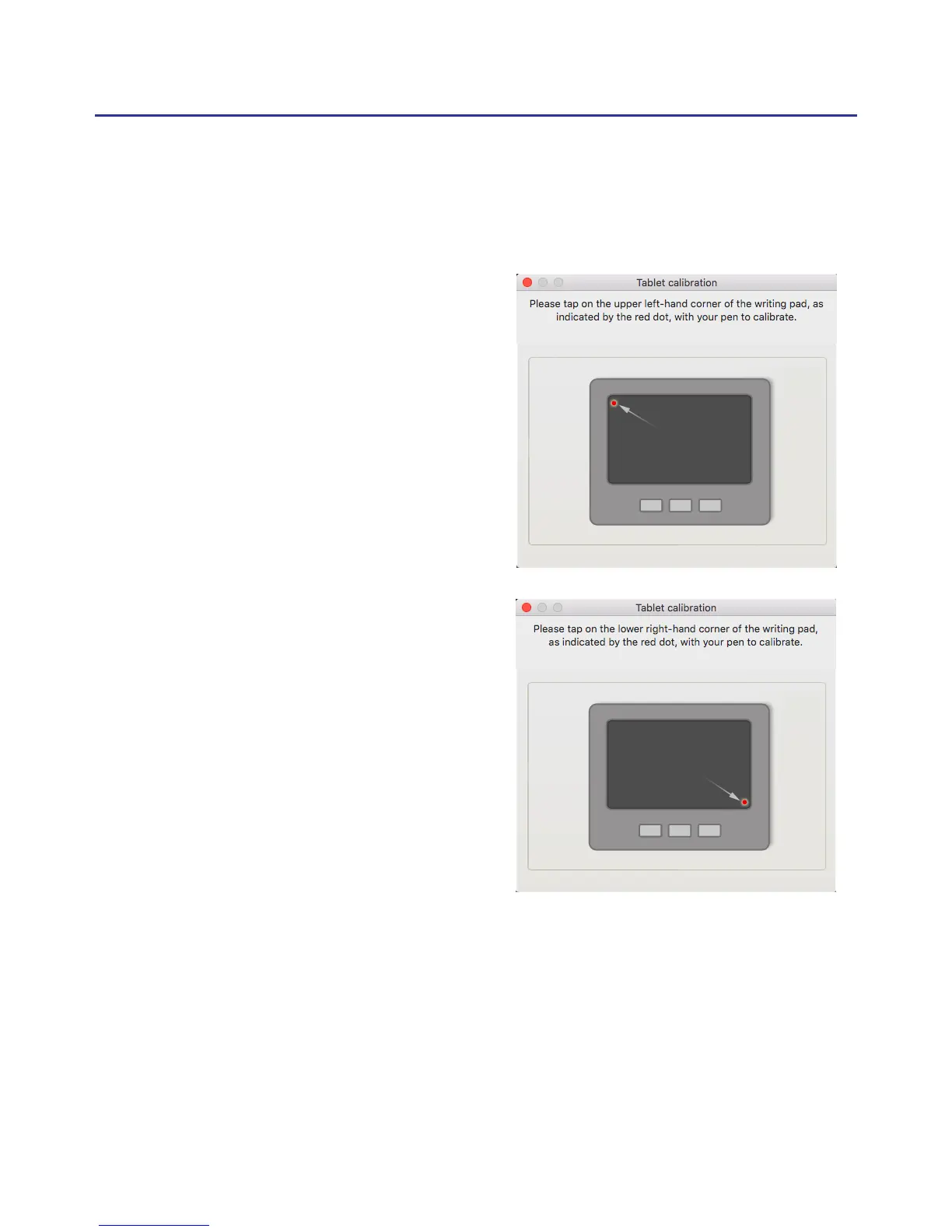
2.6 Calibrate the writing pad
Please follow the instruction on the screen to calibrate when rst using
to avoid any shift inking.
1. Please tap on the upper left-
hand corner of the writing pad, as
indicated by the red dot, with your
pen to calibrate.
2. Please tap on the lower right-
hand corner of the writing pad, as
indicated by the red dot, with your
pen to calibrate.



 To Next Page