3-1
Chapter 3 Make a Memo
Chapter 3 Make a Memo
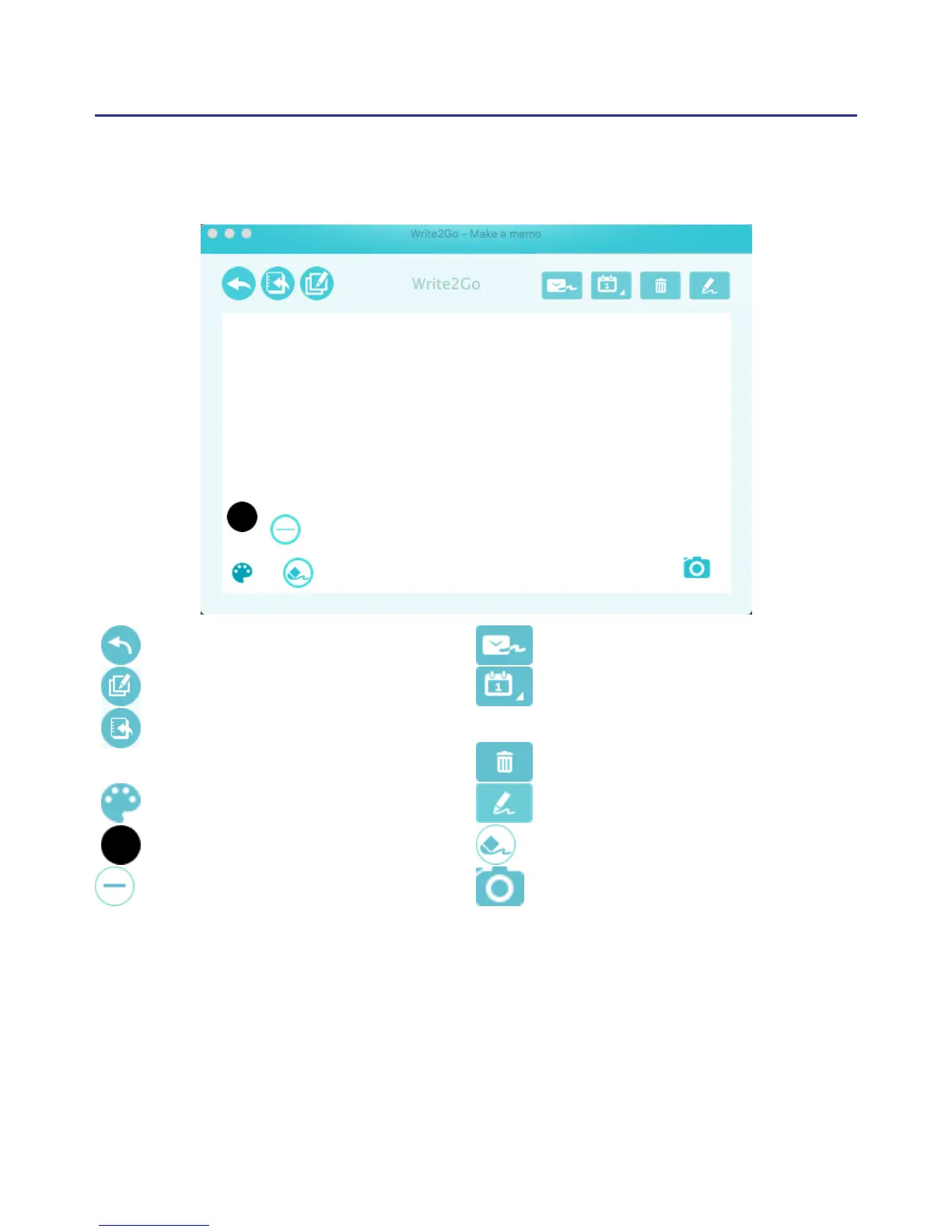
: Send to Apps
: Append
: Place on PenPower Memo
Board
: Stroke Settings
: Stroke Color
: Stroke Width
1. The Write2Go Make a Memo can let you use the signature function
or use it chat on the instant messenger software. Please open the
document you want to sign, for example Microsoft Word, and click on
the place that you want to sign, the up side will show the name of the
software to apply, for example Microsoft Word.
: Send via E-mail
: Export to Outlook / Google
Calendar
: Clear
: Write to Dene
: Eraser
: Take a Screenshot



 To Next Page