3-2
Write2Go
2. Before signing, you can adjust the stroke width by clicking from
or click to change color.
3. You can sign on the writing pad after setting up, you can press the [Clear]
button or at anytime to redo or correction or click from to
correct.
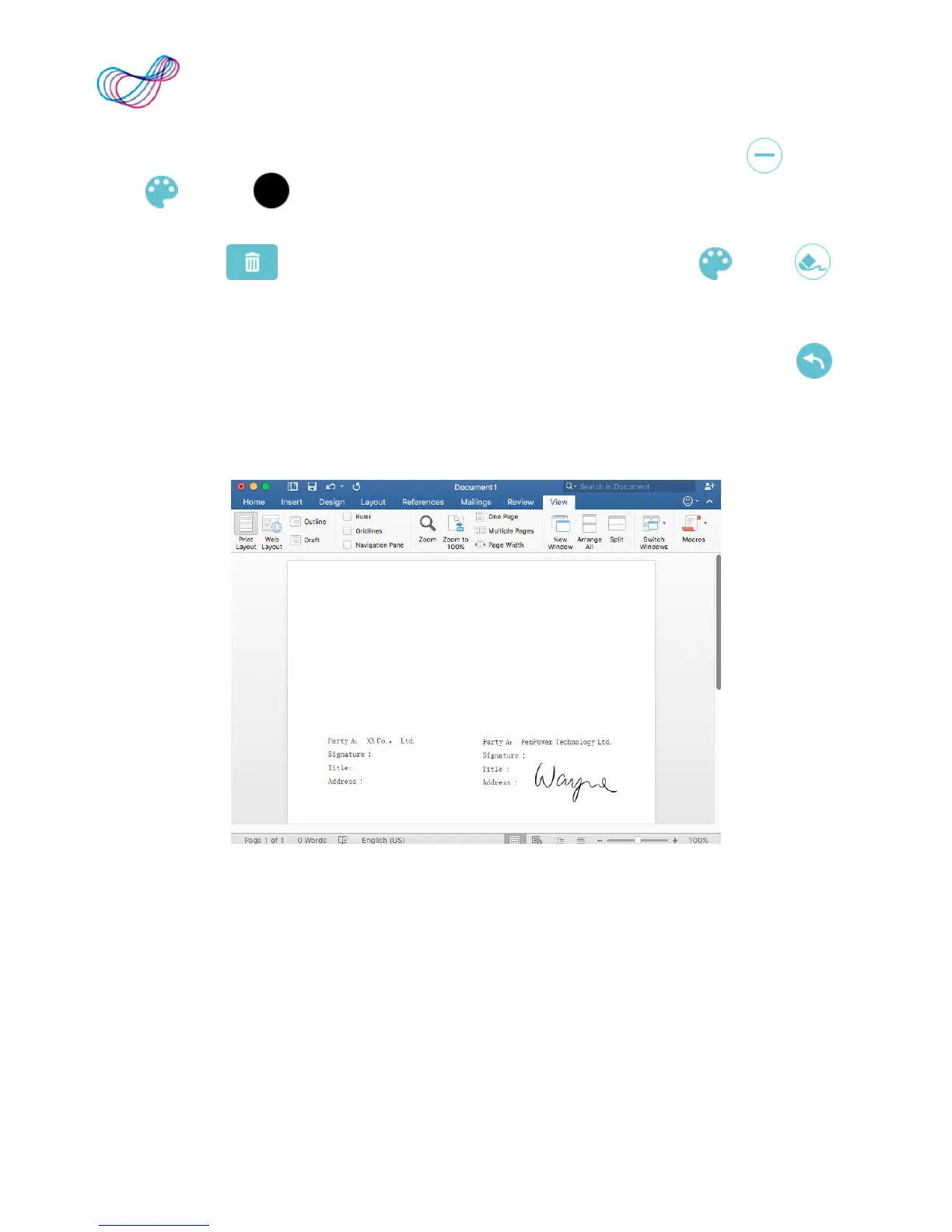
4. When you nish your signature, press the [Send to Apps] button or on
the writing pad or screen, you will see your signature on the document.
If you press the send button again, you can recall the signature for
correction or redo or send to another document.
5. The signature dialog will condense automatically for preview, if you
wish to insert another signature, please write on the writing pad or
click the [Minimize/Recall Dialog Window] button to recall the dialog
window.
Reminder: It will display writing after uplift the pen.
Note: On Mac, Write2Go doesn’t support to sign on PDF f le.



 To Next Page