3-3
Chapter 3 Make a Memo
Write to Defne
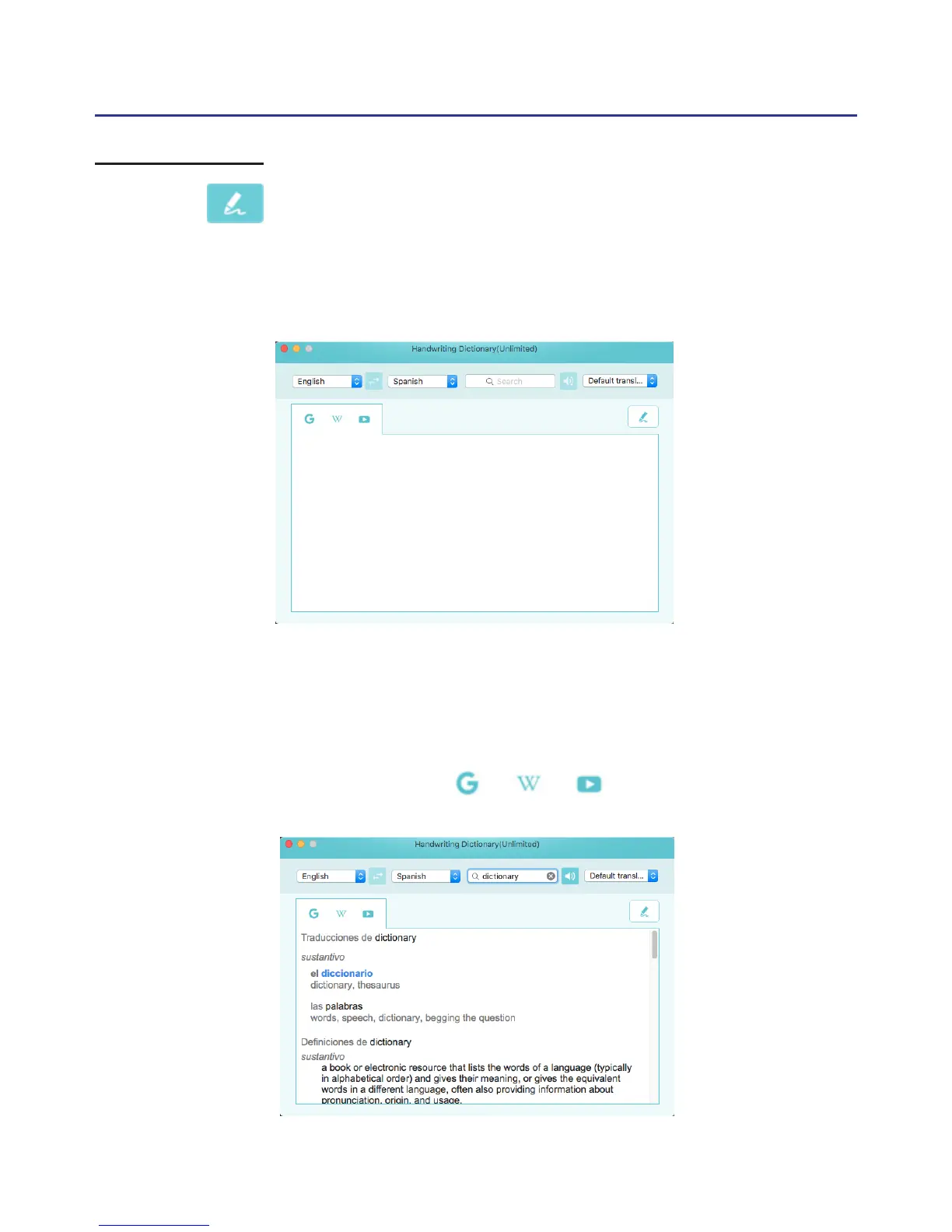
Click to open Write to Dene function, please click the drop-
down menu on the top-right to choose the online/offline dictionary you
want to use, and click the drop-down menu on the top-left to choose
the language you want to write, E.g English, then choose the dictioanry
languageyou want to look up in the middle drop-down menu.
Tip: If the language you want to use is not in the list, please click [Adding other
language recognition] at the list bottom to add new language.
After setting, you can start to write on the pad, then you will see the
words appear on the search bar, and soon the dictionary content will show.
At the same time you can also hit on the toolbar to search
on Google/Wikipedia or YouTube.
Source Language
Dictionary Language
Dictionary



 To Next Page