3-5
Chapter 3 Make a Memo
Instant Messenger
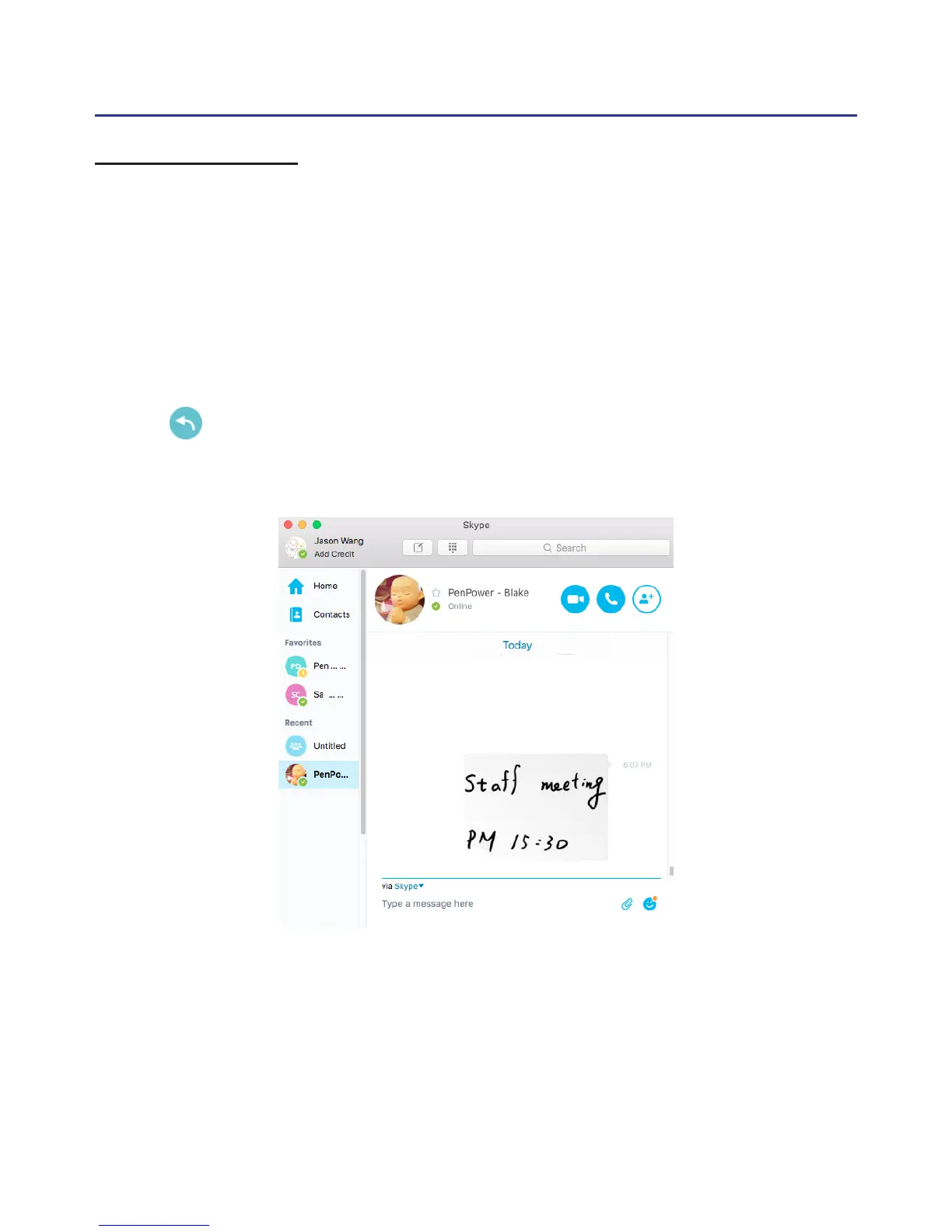
Other than sign on the documents, this function is also support
multiple IM software. You can use not only the computer font style and the
writing or drawing to have more fun while chatting.
Under the Make a Memo, please click on the chatting area of the IM
and you can start writing. After you done your writing, just press the send
button and the writing/drawing will send to the IM software, if you
want to keep writing, just write on the writing pad and recall the software
dialog window.



 To Next Page