70
3
Taking Pictures
3
Press the 4 button.
The shooting mode is selected and the
camera returns to capture status.
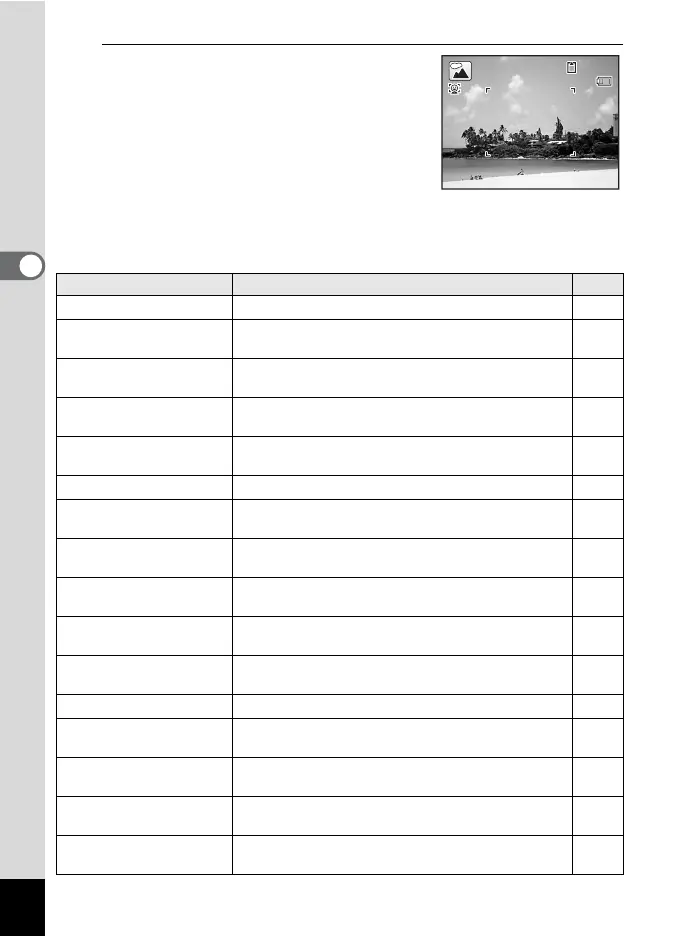
There are 24 shooting modes which can be selected from the Capture
Mode Palette.
Shooting Mode Description Page
b
Auto Picture Automatically selects the best capture mode. p.74
R
Program
Used for basic shooting. Various functions can
also be set with this mode.
p.75
A
Night Scene
For night time images. Use of a tripod or other
support is suggested.
p.83
B
Night Scene
Portrait
For images of people at night. Use of a tripod or
other support is advised.
p.83
C
Half-length
Portrait
For portraits with proper framing by automatic
zoom.
p.84
C
Movie For recording movies. p.123
H
Landscape
For capturing landscape views. Enhances colors of
sky and foliage.
—
I
Flower
For images of flowers. The outline of the flower is
softened.
—
P
Portrait
For capturing portraits. Reproduces a healthy and
bright skin tone.
p.84
Q
Surf & Snow
For bright images such as sand or snow.
Accurately meters for bright scenes.
p.88
\
Sport
For a fast moving subject. Tracks the subject until
the picture is taken.
p.88
c
Digital SR Higher sensitivity reduces blur. p.83
R
Kids
For capturing moving kids. Reproduces a healthy
and bright skin tone.
p.86
Y
Pet
For capturing moving pets. Select the color
according to the pet’s coat.
p.87
K
Food
For images of food and prepared dishes.
Enhances saturation and contrast.
—
S
Fireworks
For capturing fireworks. Use of a tripod or other
support is suggested.
p.83
38
38
14:25
14:25
08/08/2009
08/08/2009



 To Next Page