82
3
Taking Pictures
8
To exit the O mode, press the power switch.
The camera turns off. Press the power switch again to take a picture
in normal shooting mode.
1
Press the 3 button in A mode.
The [A Rec. Mode] menu appears.
2
Use the four-way controller (23) to select [Vertical
Snap].
3
Press the four-way controller (5).
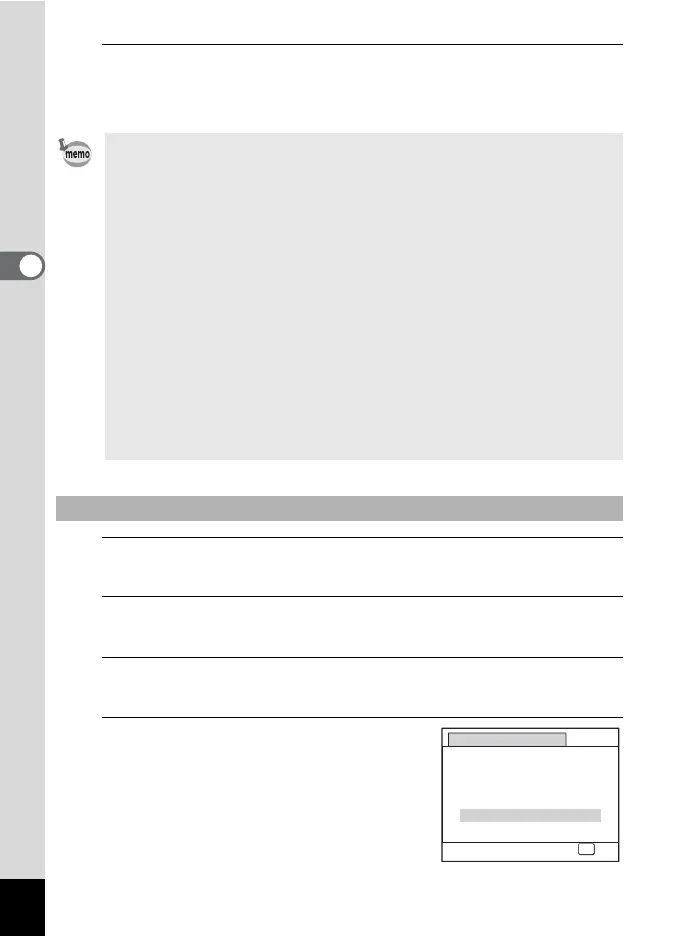
The [Vertical Snap] screen appears.
4
Use the four-way controller (23)
to select [On] or [Cancel].
On Enables Vertical Snap shooting.
Cancel Disables Vertical Snap
shooting.
• The following settings are used when shooting:
- Focus Mode 3 (Pan Focus)
- Drive Mode 9 (Standard)
- Sensitivity Auto (sensitivity 64 - 1600)
- Pixel Track SR P (Off)
• You can also use the shutter release button to take pictures in O
mode. When you press the shutter release button halfway to set the
focus, the camera takes the picture at the = (Standard) setting. If the
subject is out of focus, the camera takes the picture at the 3 (Pan
Focus) setting.
• The default flash mode is a (Flash Off). When the flash mode is set to
, (Auto), the message [Be careful to keep fingers away from flash]
appears for 2 seconds. Please take care not to cover the flash with
your hand.
• The zoom lever does not function in O mode.
• The camera automatically turns off if it is not used for 5 minutes in O
mode.
To Select Vertical Snap Setting
Vertical Snap
Snaps vertical shots like a
cellphone, using OK button
On
Cancel
OK
OK



 To Next Page