61
Taking Pictures
4
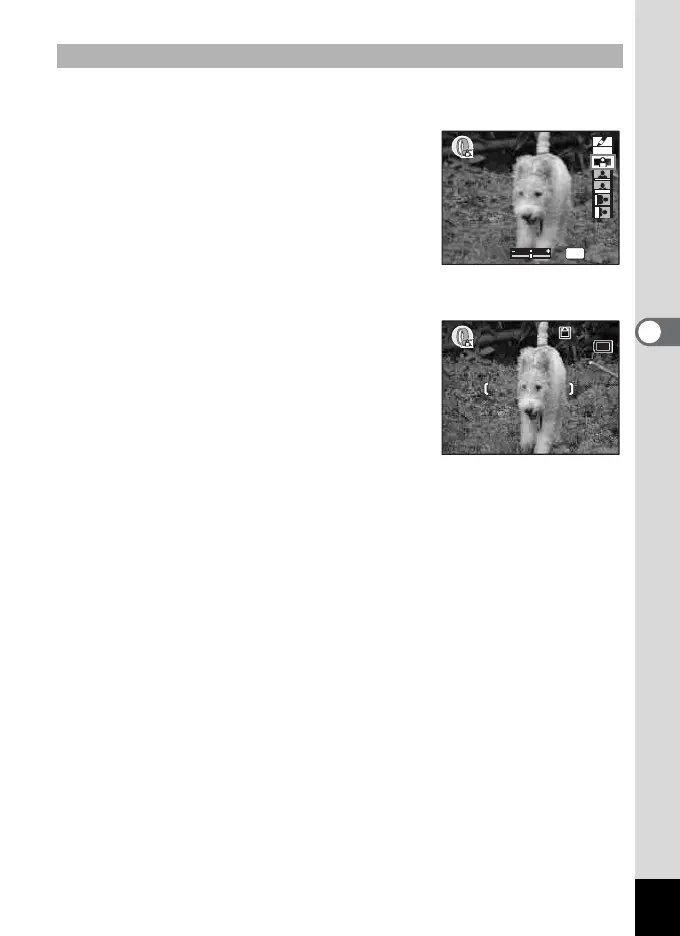
The screen for setting the slimness level appears when you select the
slim filter in Special Effect mode.
4 Use the four-way controller (23)
to select O (Slim Filter).
Use the four-way controller (45)
to set the slimness.
– : Stretches the image up to twice its size
horizontally.
+ : Stretches the image up to twice its size
vertically.
5 Press the OK button.
6 Press the shutter release button
halfway.
The focus frame on the LCD monitor will
light green when the camera is in focus.
7 Press the shutter release button
fully.
The picture is taken with a slim filter effect.
Taking Pictures with the Slim Filter
OK
SOFT
OK
OK
64
12:00
64
12:00
5/24/2005
5/24/2005











 To Next Page