134
5
Function Reference
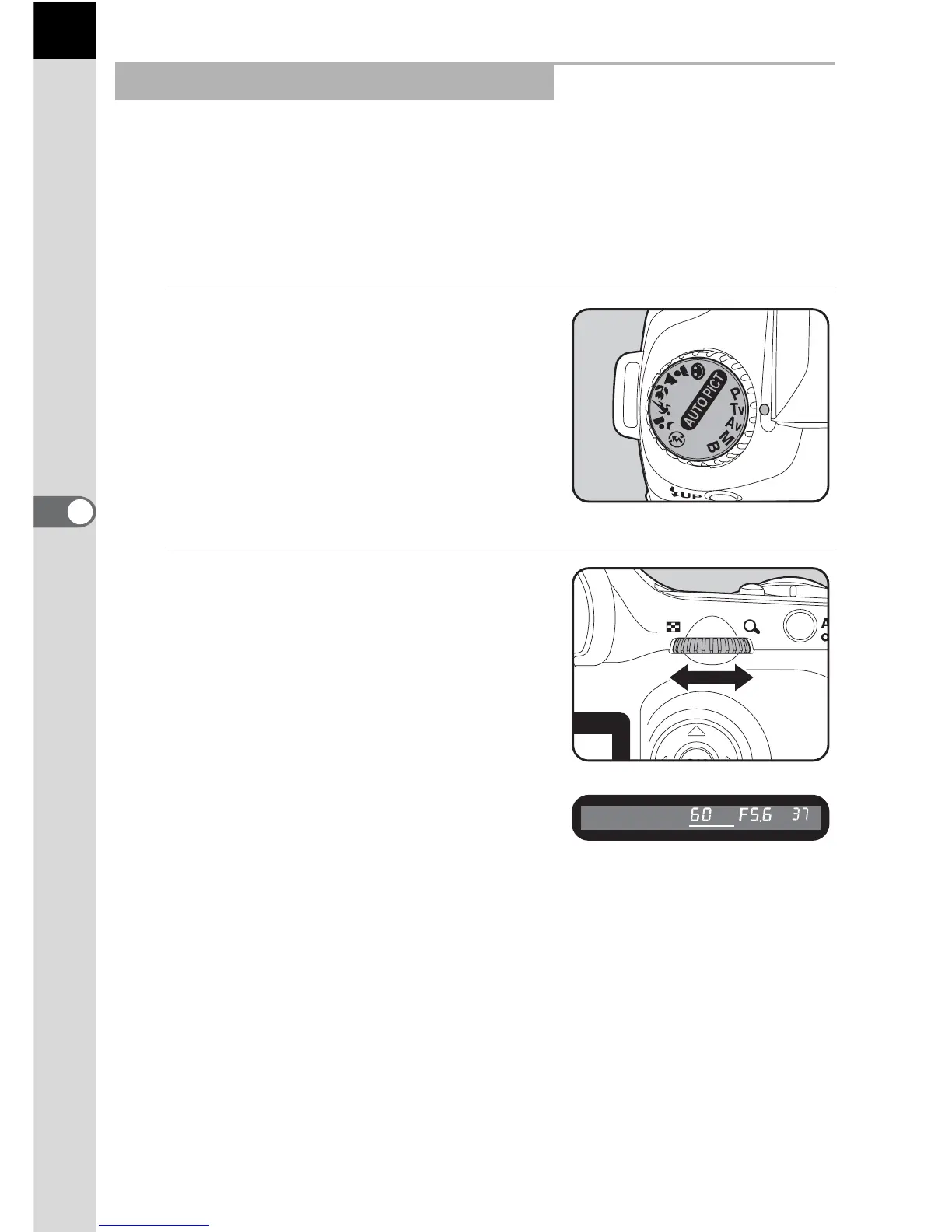
Set shutter speed and use to express moving subjects. Set the shutter
speed faster and capture fast moving subjects as if they are still or slow
down the shutter and capture lively images. Aperture value is
automatically set to appropriate exposure depending on the shutter speed.
1 Effect of Aperture and Shutter Speed (p.127)
1
Set the mode dial to b.
2
Turn the e-dial and adjust the
shutter speed.
The shutter speed and aperture value
are displayed on the viewfinder and the
LCD panel.
Using the b (Shutter Priority) Mode



 To Next Page