EasyManua.ls Logo

Pentax SLR - Page 59

Pentax SLR
208 pages
Print Icon
To Next Page IconTo Next Page
To Previous Page IconTo Previous Page
Loading...
57
3
Basic Operations
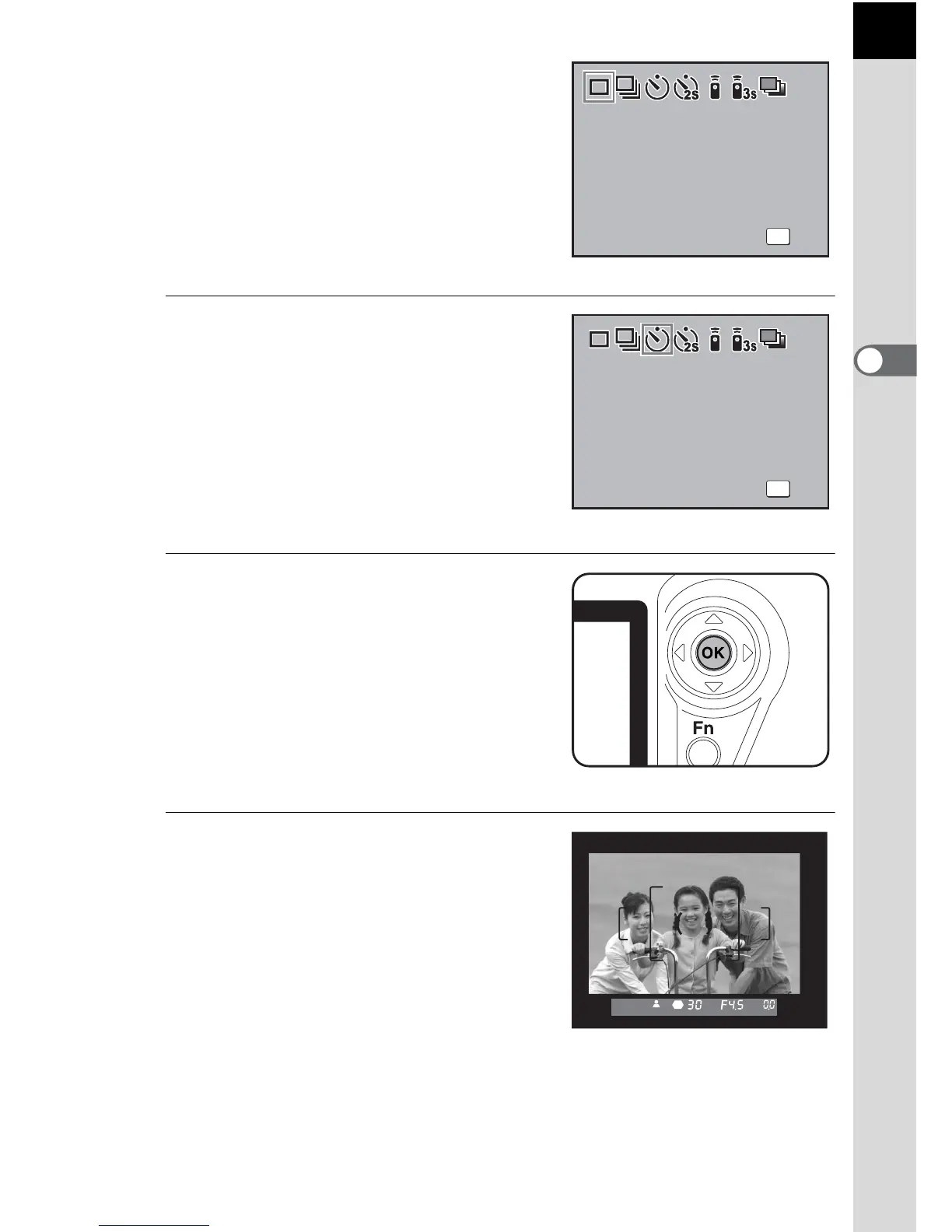
The Drive Mode options screen
appears.
4
Use the four-way controller
(45) to select g or r.
5
Press the 4 button twice.
The camera is ready to take pictures.
6
Confirm in the finder that the
subject you wish to shoot is in
the display and press the
shutter release button halfway.
The focus indicator ] appears when
the subject is in focus.
OK
OK

OK
Drive Mode
Drive Mode
OK
Drive Mode
Single frame shooting
OK
OK
OK
Drive Mode
Drive Mode
OK
Drive Mode
Self-Timer (12 secs)

Table of Contents

Related product manuals