72
3
Basic Operations
2
Press the four-way controller
(4).
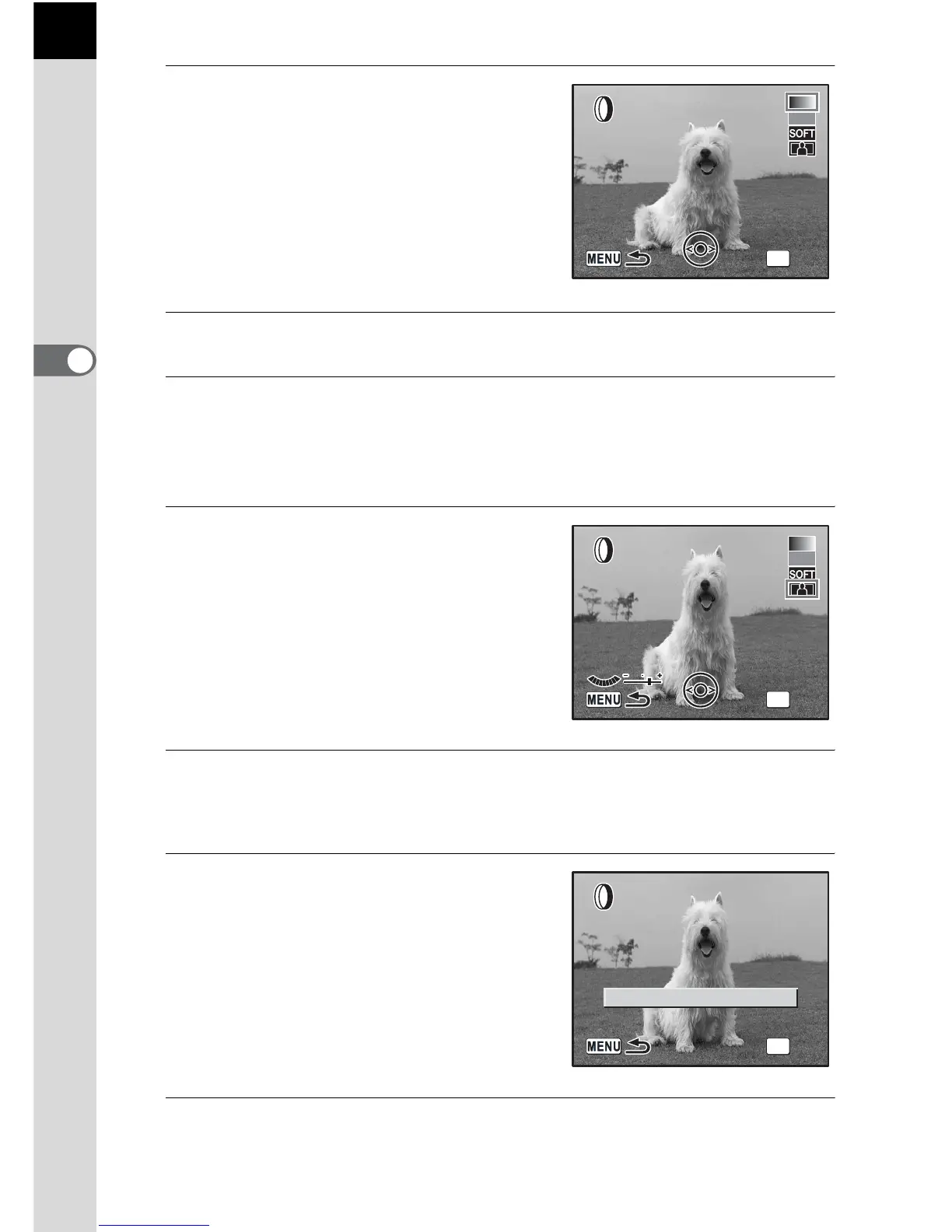
The screen for selecting the filter
appears.
3
Use the four-way controller (45) to select an image.
4
Use the four-way controller (23) to select a filter.
Select a filter and preview the effects on the image. Proceed to step 6 if
[B&W], [Sepia] or [Soft] is selected.
5
Adjust slimness with e-dial if
slim filter is selected.
Turn counterclockwise for wider and
clockwise for slimmer.
Use the four-way controller (45) to
select an image. The image appears in
the set slimness.
6
Press the 4 button.
The save confirmation screen appears.
7
Use the four-way controller (2)
to select [Save as].
8
Press the 4 button.
The filtered image is saved under a different name.
OK
OK



 To Next Page