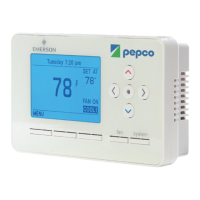
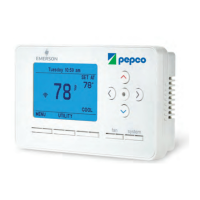
16 Pepco Web-Programmable Thermostat Homeowner’s Manual
PERS1123B—Pepco-Generic IT900 Thermostat Manual
(Version 2 Thermostat with New Screen Shots)
Piece: Manual
Quantity: 000,000
Size: sssss
Colors: ccccc
Finishing: ffffffffff
Mail: mmmmmmm
Program Specic Checklist Name: Date:
☐ Phone Number _________ _________
☐ URL _________ _________
☐ Program Details _________ _________
GRAPHIC
DESIGNER
☐ SPELL CHECK
CREATIVE
DIRECTOR
PROOFREADER COPY
SUPERVISOR
COPYWRITER CREATIVE SERVICES
MANAGER
ACCOUNT
MANAGER
PERS1123B
Pepco-Generic IT900 Thermostat Manual (Version 2 Thermostat with New Screen Shots)
Job Opened: November 20, 2012
Requested In-Home Date: December 10, 2012
Latest Revision: November 20, 2013
Approved: __________________
2. Event in Progress (Continued)
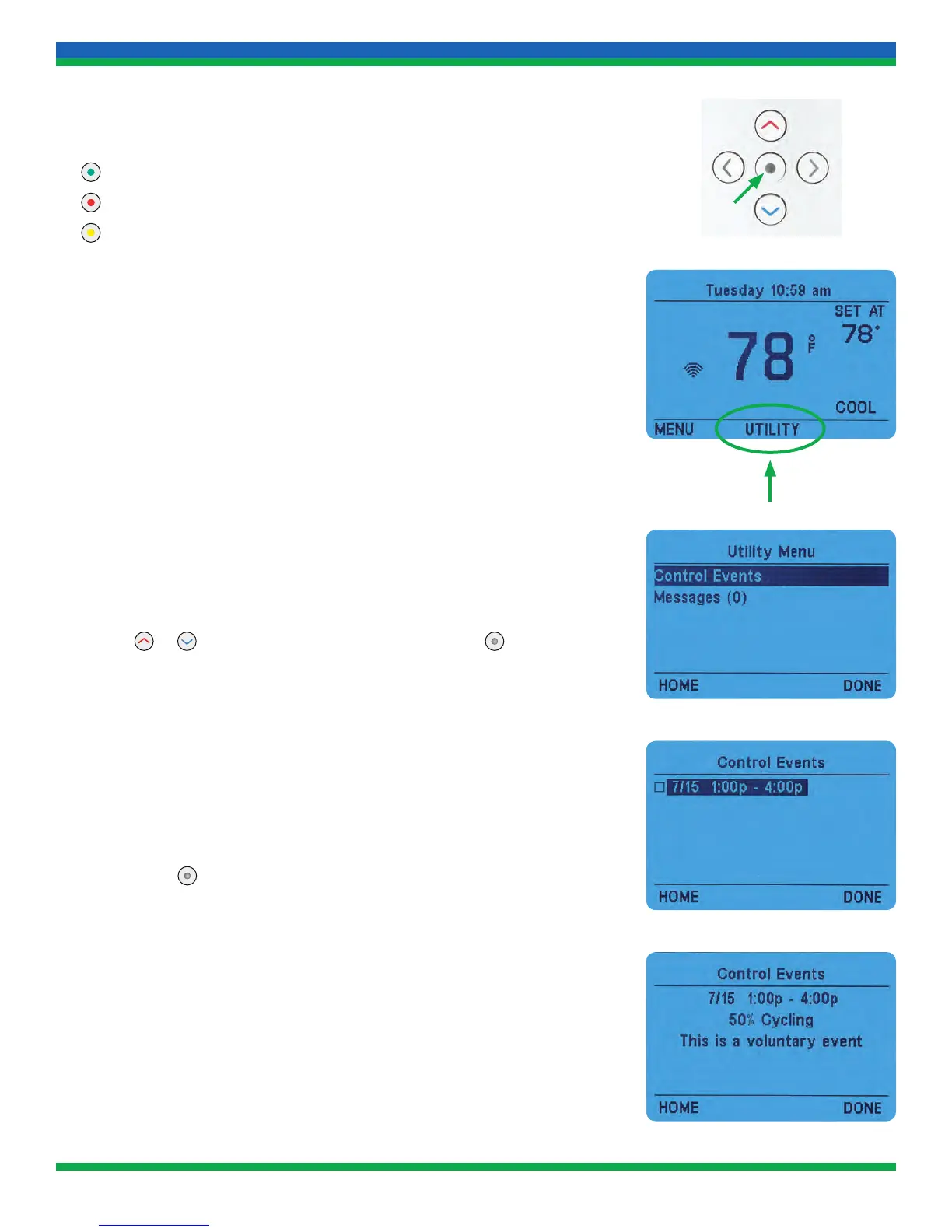
The LED colors represent a few different types of conservation periods:
Green – standard Energy Wise Rewards conservation period
Red – PJM-required conservation period (user is unable to opt out)
Yellow – User has opted out of the conservation period
3. Seeing Scheduled Conservation Periods
Pepco Energy Wise Rewards participants can see future scheduled
conservation periods (shown as Control Events on the thermostat).
a. Press the UTILITY button on the home screen.
b. Press
or to highlight Control Events, then press .
c. If a conservation period has been scheduled, you can see the details
by pressing
.
13_PERS1123B_IT900_v2_TSTAT_MANUAL.indd 16 11/20/13 3:34 PM


 To Next Page