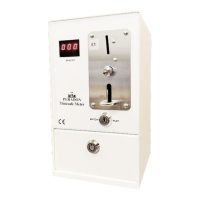
ADM & SCT
1 Switch off electricity supply.
2 Remove cash box.
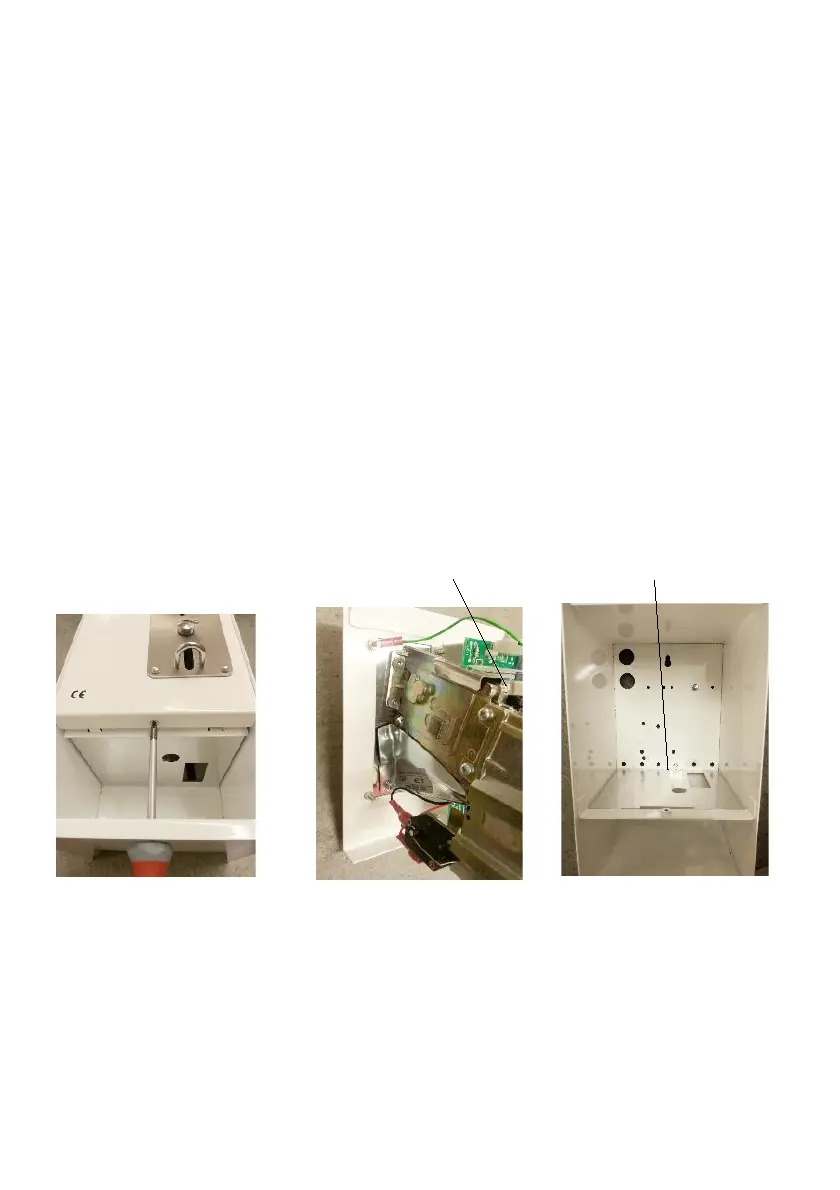
3 Insert a No. 1 nine inch pozidrive screwdriver through the hole
uncovered by removing the cashbox and remove the recessed screw holding
the front panel (Figure 9).
4 Remove the front panel by pushing downwards as far as possible, pulling
the bottom edge slightly outwards and then lifting panel upwards. It is
essential that panel recess is clear of case lip before attempting to lift panel
out. Rotate front panel and withdraw nine way connector from printed
circuit board thus separating front panel from meter case (Figure 10).
5 Remove old safety plate and discard (Figure 11)
6 Fit new safety plate supplied.
9-way connector Safety plate retaining screw
Figure 9 Figure 10 Figure 11
7 Take the front panel and remove the spade terminals from the coin
acceptor noting position of the wires (Figure 12). If a display board is fitted
remove seven way connector from top board (Figure 13). Remove top PCB
by gently squeezing retaining clips in the PCB supports. Slide display board
(if fitted) slightly away from the coin acceptor (Figure 14).


 To Next Page