WC224
V. 02 – 04/06/2020 10 ©Velleman nv
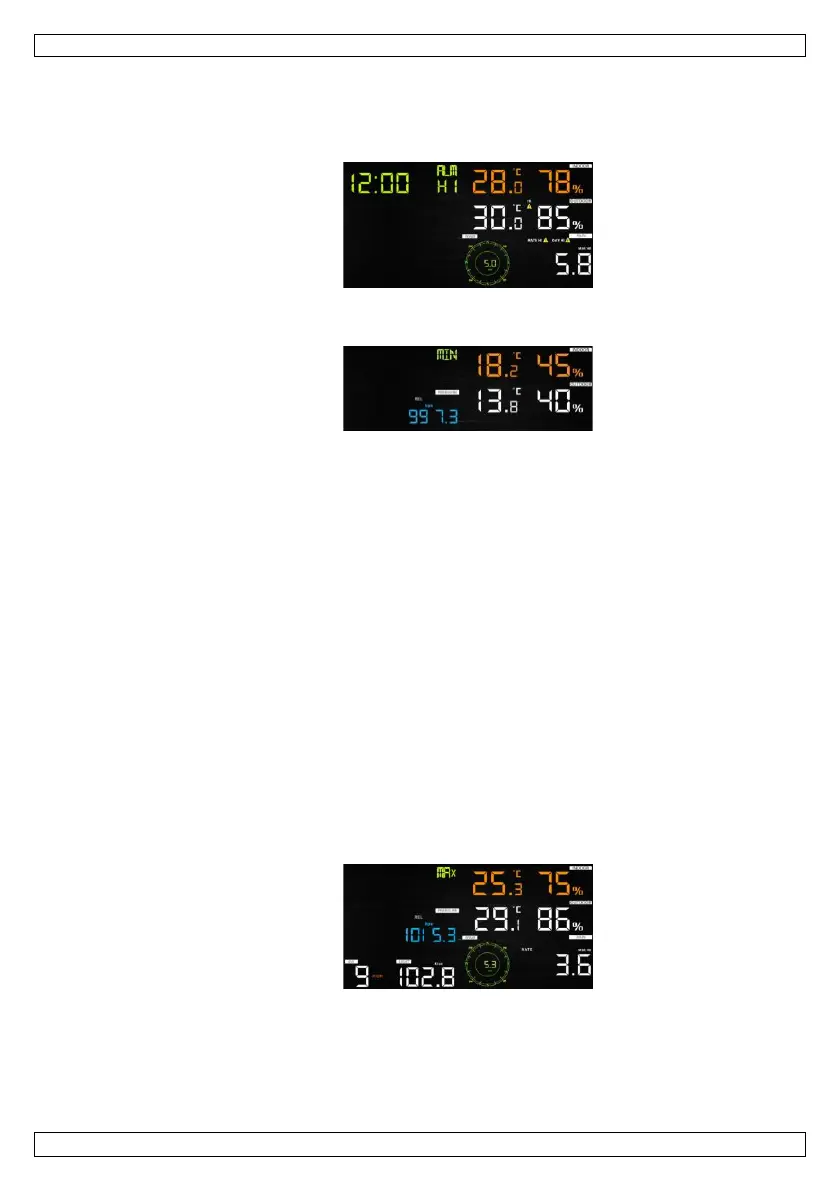
1. Press ALARM to display the high alarm.
2. Press ALARM again to display the low alarm.
Press RAIN to select the display rate or day rain alarm data.
Press WIND + to display the wind or gust alarm data.
Press ALARM or LIGHT/SNOOZE to return to normal mode.
1. Hold ALARM pressed to enter the alarm setting mode.
2. Press WIND + or PRESSURE – to activate/deactivate the alerts and adjust the alert
values.
3. Press SET to confirm and move to the next item.
4. Press ALARM to switch the alarm on or off.
When the alarm is triggered, the triggering source icon, the icon for the high value
and the icon for the low value will be flashing.
5. Press ALARM or LIGHT/SNOOZE to return to normal mode.
time alarm → indoor high temperature → indoor low temperature →
indoor high humidity → indoor low humidity → outdoor high temperature →
outdoor low temperature → outdoor high humidity → outdoor low humidity →
high wind → rain rate high → rain day high
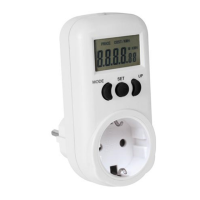
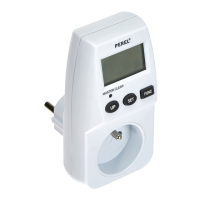
1. Press MAX/MIN to display the maximum data.
Press TEMP. to view wind chill, heat index and dew point temperature.
Press RAIN to view rain rate, rain day, rain week and rain month maximum.
Press WIND + to view wind and gust maximum.
Hold PRESSURE – pressed to view the absolute and relative maximum pressure.



 To Next Page