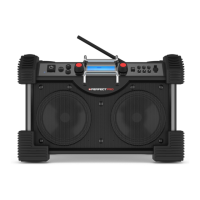
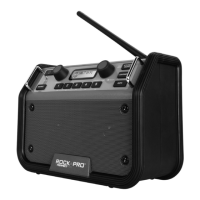
Need help?
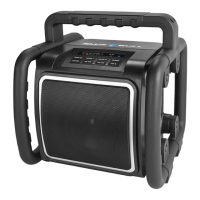
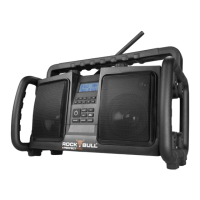
Do you have a question about the perfect pro Rock Bull and is the answer not in the manual?
Identify and understand the function of each control button and knob.
Connect and prepare the radio for operation using the AC power supply.
Initial setup, DAB station selection, display modes, and manual tuning.
Scan for FM stations, understand RDS data, and adjust scan sensitivity.
Switch between stereo and mono modes for optimal FM reception.
Store and recall favorite radio stations for quick access.
Connect external audio devices via the Aux-In socket.
Manually set the current time and date on the radio.
Adjust volume, activate loudness, and enable surround sound effects.
Select from 12 equalizer presets for different music types.
Install an additional antenna and configure the display language.
View software version and perform a factory reset.
Enable and manage the Anti-Theft-Protection (ATP) passcode.
Details on warranty, environmental considerations, and technical specifications.
 General
| Brand | perfect pro |
|---|---|
| Model | Rock Bull |
| Category | Radio |
| Language | English |

 To Next Page