5. Manual Mode
P. 6
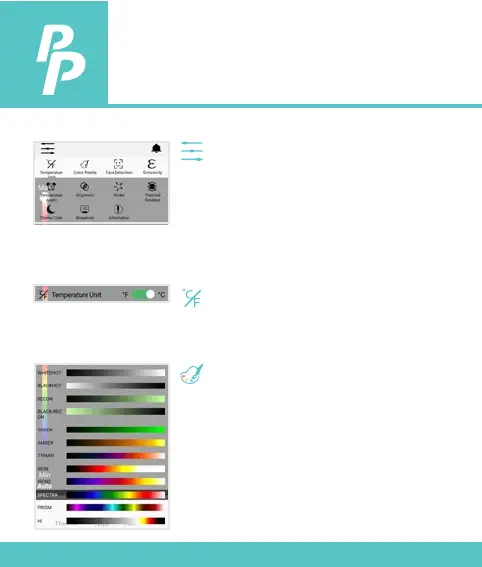
Manual Button:
Press to entry Manual Setting Mode.
Within the settings, you can adjust
variables including the color palette,
temperature display unit, emissivity, over
temperature alarm and under
temperature alarm.
Temperature Unit:
Press to select the temperature unit of
o
C or
o
F.
Color Palette:
Press to select the color palette for the
thermal view.



 To Next Page