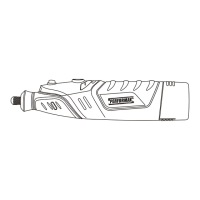
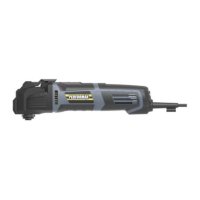
ON/OFF SWITCH
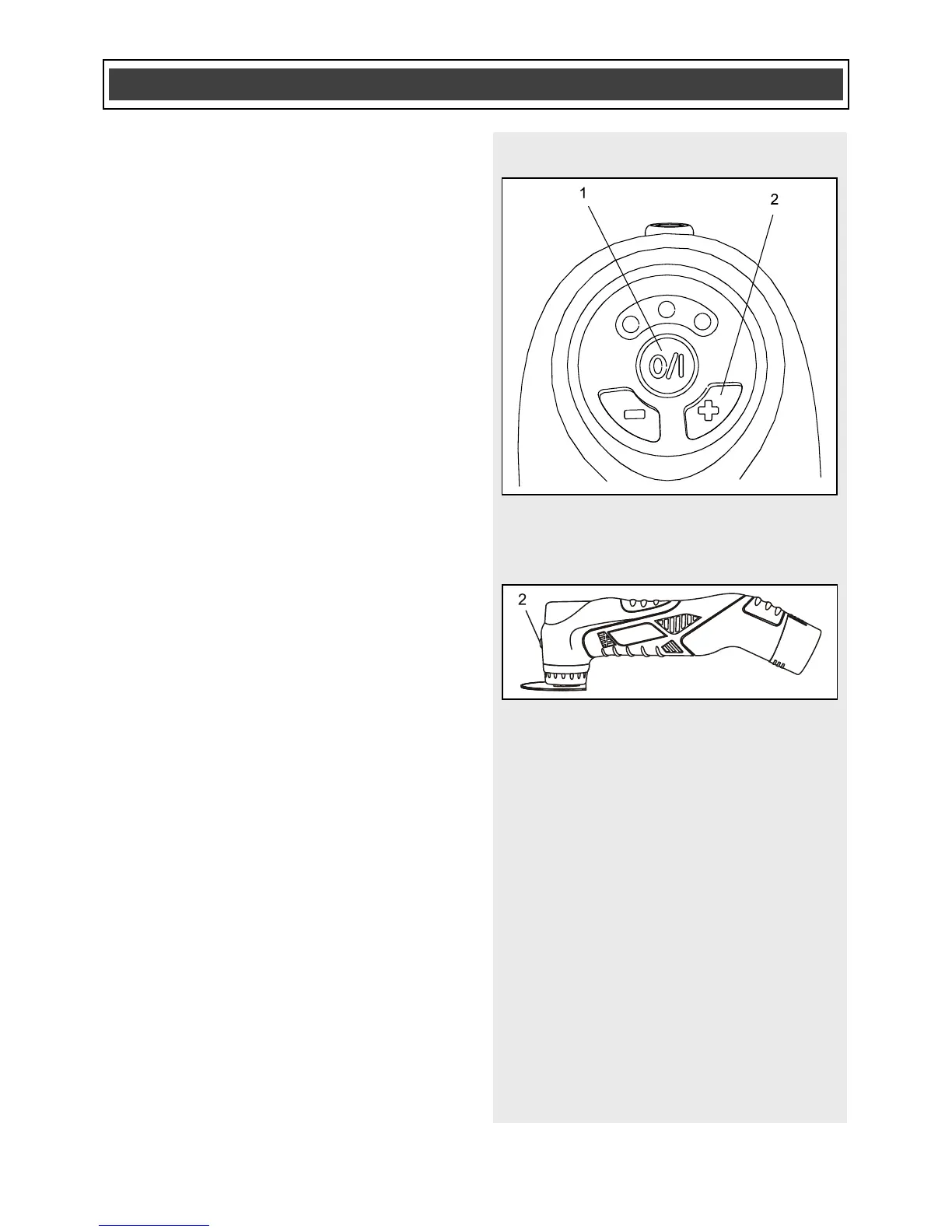
1. To turn the tool ON, press the
ON/OFF switch (1) once (Fig. 9).
NOTES:
a) The LED work light will automatically
turn ON when the ON/OFF switch is
turned ON.
b) Press the “+” button (2) once to start
the tool.
2. To turn the tool OFF, press the
ON/OFF switch a second time.
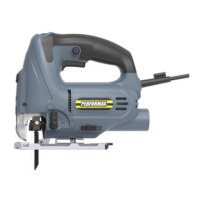
LED WORK LIGHT
The LED work light (2) will automatically
turn ON when the tool switch (1) is turned
ON. It will automatically turn OFF when the
tool switch is turned OFF (Fig. 9 & 10).



 To Next Page