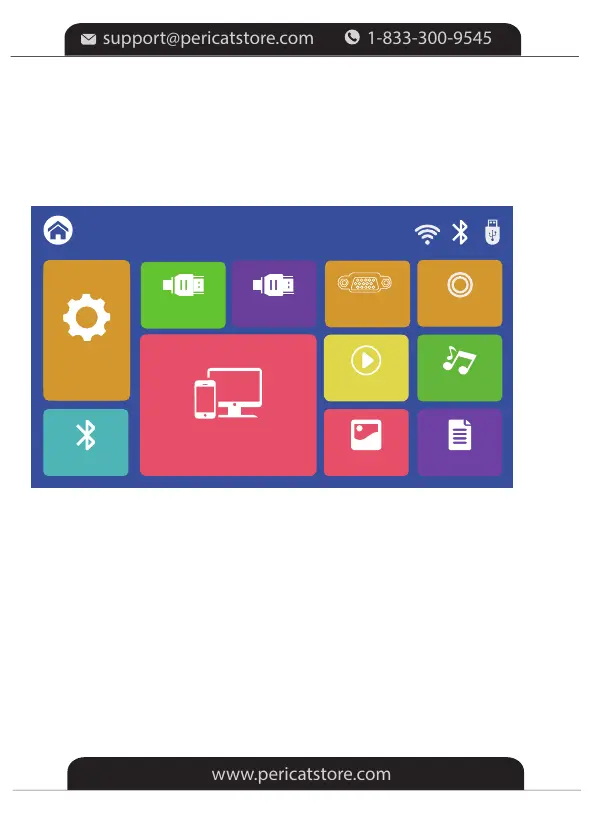
Setting
Screen Mirroring
PHOTO
MOVIE MUSIC
TEXT
HOME
AV
BT
Setting
VGA
HDMI2
HDMI1
Step 2: Select HDMI1 or HDMI 2 on the left side of the Homepage as the
input source, then the contents of your device will be projected to the
screen/wall.
*For Windows Laptop
For Windows 7 or higher system, press the "Windows Logo + P" key
combination to access four display modes.
①PC screen only option displays contents on a computer screen only.
②Duplicate option displays the same contents on both the computer screen
and projected screen.
③Extend option splits the display between the computer screen and the
projected screen.
④Second screen only option displays contents only on the projected screen.
-10-


 To Next Page