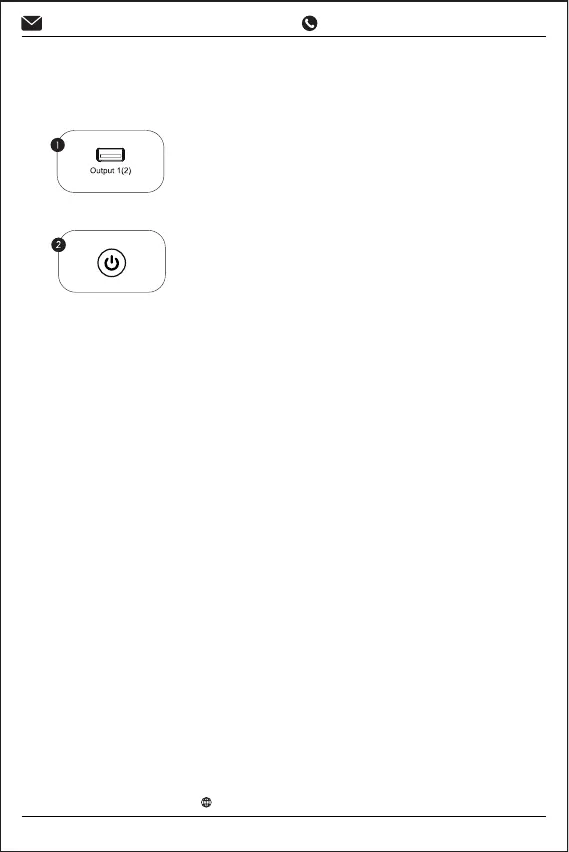
How to Charge other devices
Press the power button.
How to turn on the LED light
1. Press the power button.
2. Press and hold the light button for 2 seconds to turn on the
LED light. After turning on the LED light, sho press the light
button once to switch to the "SOS" mode.
3. After turning on the "SOS" mode, press the light button once
to switch to the warning mode.
4. Sho press the light button again to switch to lighting mode.
5. Press and hold the light button for 2 seconds to furn o the
LED light.
Plug the charging cable into the USB
output po of the jump staer.
-6-
www.pericatstore.com
support@pericatstore.com
1-833-300-9545


 To Next Page