Adjustments
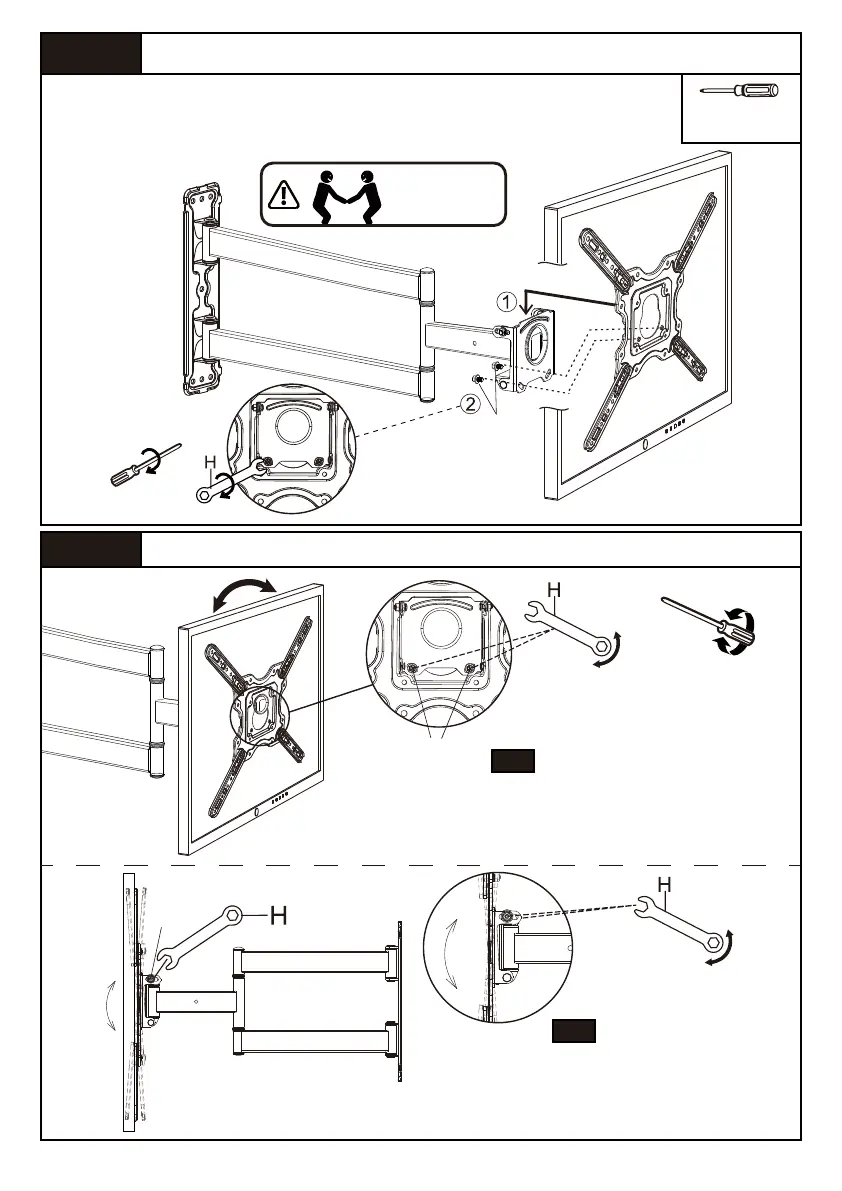
1. Loosen both tilt bolts [S] a little.
2. Adjust TV to your desired tilt angle.
3. Retighten both tilt bolts [S] to fix
the tilt angle.
Loosen
Tighten
09
Secure TV to Arm Assembly/Wall Plate [01B]
Step 5
Step 6
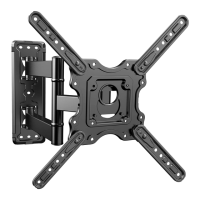
Attach the TV with faceplate to the arm assembly/wall plate,
then tighten bolts [L] using wrench [H] or screwdriver(not
included) to secure the TV to the arm assembly/wall plate
Screwdriver
(Not included)
or
L
You may need
assistance with
this step.
1. Loosen the two level bolts [L] a little on the rear
of the arm assembly/wall plate.
2. Level your TV.
3. Retighten two level bolts [L] to hold TV in place.
or
L
Loosen
Tighten
Loosen
Tighten
S
Level Adjustment
6-1
Tilt Adjustment
6-2


 To Next Page