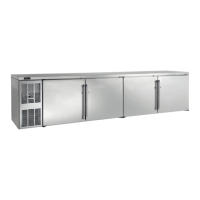
Commercial Back Bar Installation & Operation Manual
Form No. Z2604
Rev A 04.20.23
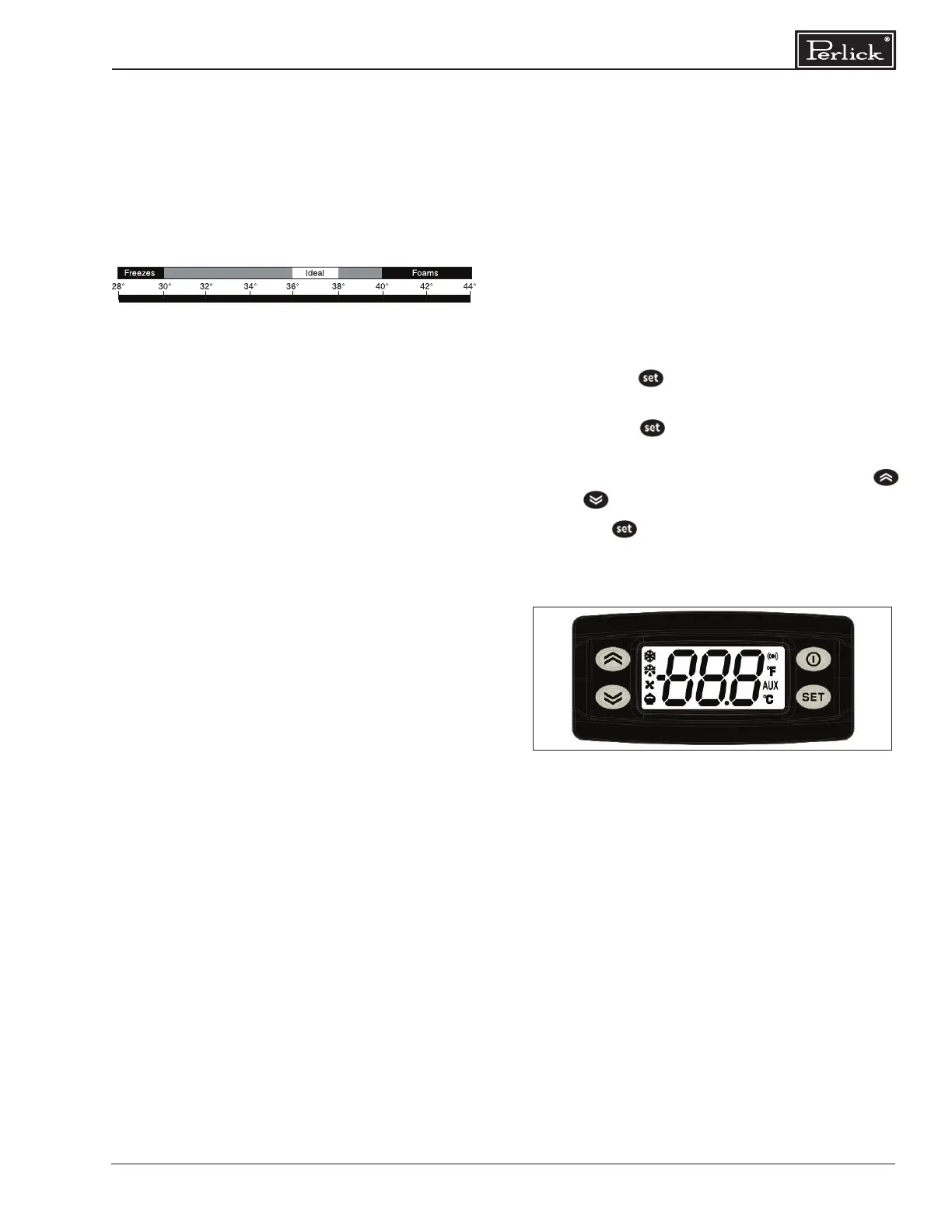
Figure 2: Digital Temperature Controller
Interior Light (Not applicable to all models)
The unit is equipped with an interior LED light in
the upper front of the unit just inside the door or
drawer. The light illuminates when the manual
rocker light switch is turned on. The rocker light
switch is located behind the LED light on the inside
of the frame on either the right or left side (same
side as the compressor).
Digital Temperature Control
To Adjust the Temperature Set Point (Figure 2):
1. Press the button. The label “SET” will be
displayed.
2. Press the button a second time. The set
point will be displayed.
3. To change the Set point value, press the
or keys within 15 seconds.
4. Press to conrm the new setpoint value.
5. After 10 seconds the display will return to
indicating the cabinet temperature.
Beer will freeze at temperatures lower than
30° F. When beer freezes, the alcohol in the beer
may separate and cause the beer to be cloudy
with an “o” taste.
The following chart shows how temperature
aects beer:
Checking Product Temperature
1. To accurately check the temperature of product
stored in the refrigerated compartment, insert
an accurate thermometer into a plastic
unbreakable bottle, partially lled with water.
Tighten bottle cap securely.
2. Place the bottle in the desired area for 24
hours. Refrain from opening the unit during
the testing period. After 24 hours, check
the temperature of the water. Adjust the
temperature accordingly using the procedures
on this page.
The following factors aect the internal temperature
of the unit:
• Temperature setting
• Room temperature where installed
• Number of times the door is opened and
closed
• Length of time door is left open
• Style of door installed
• Door gasket seal and condition
• Amount of time the internal light is illuminated
• Installation in direct sunlight or near a heat
source


 To Next Page
 Loading...