Software Description
View, listen and control your new iCamera+ on your Android
smartphone or tablet. Live streaming anywhere you have an
internet connection.
Note: Mobile phone OS requirements: Android 2.2/2.3/4.0.
Software Installation
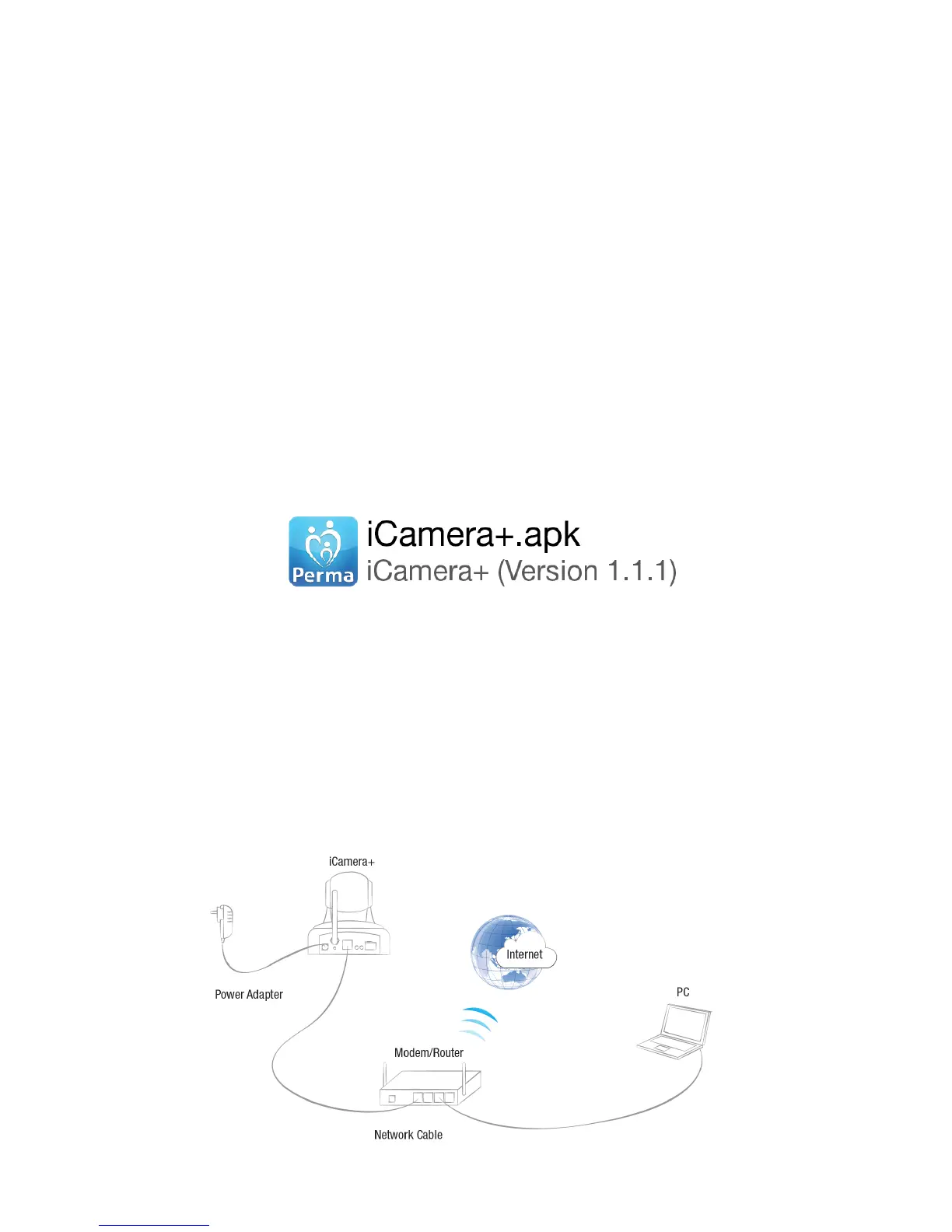
1) Put the CD into a computer and find “iCamera+.apk”.
2) Copy “iCamera+.apk” to your android smartphone or
tablet.
3) Click the “iCamera+” icon, in the Android File Manager
and follow the prompts to install. See Figure 1.
Figure 1
Register and Login
Step 1:
Launch the “iCamera+” app, see Figure 2.
First time network setup



 To Next Page