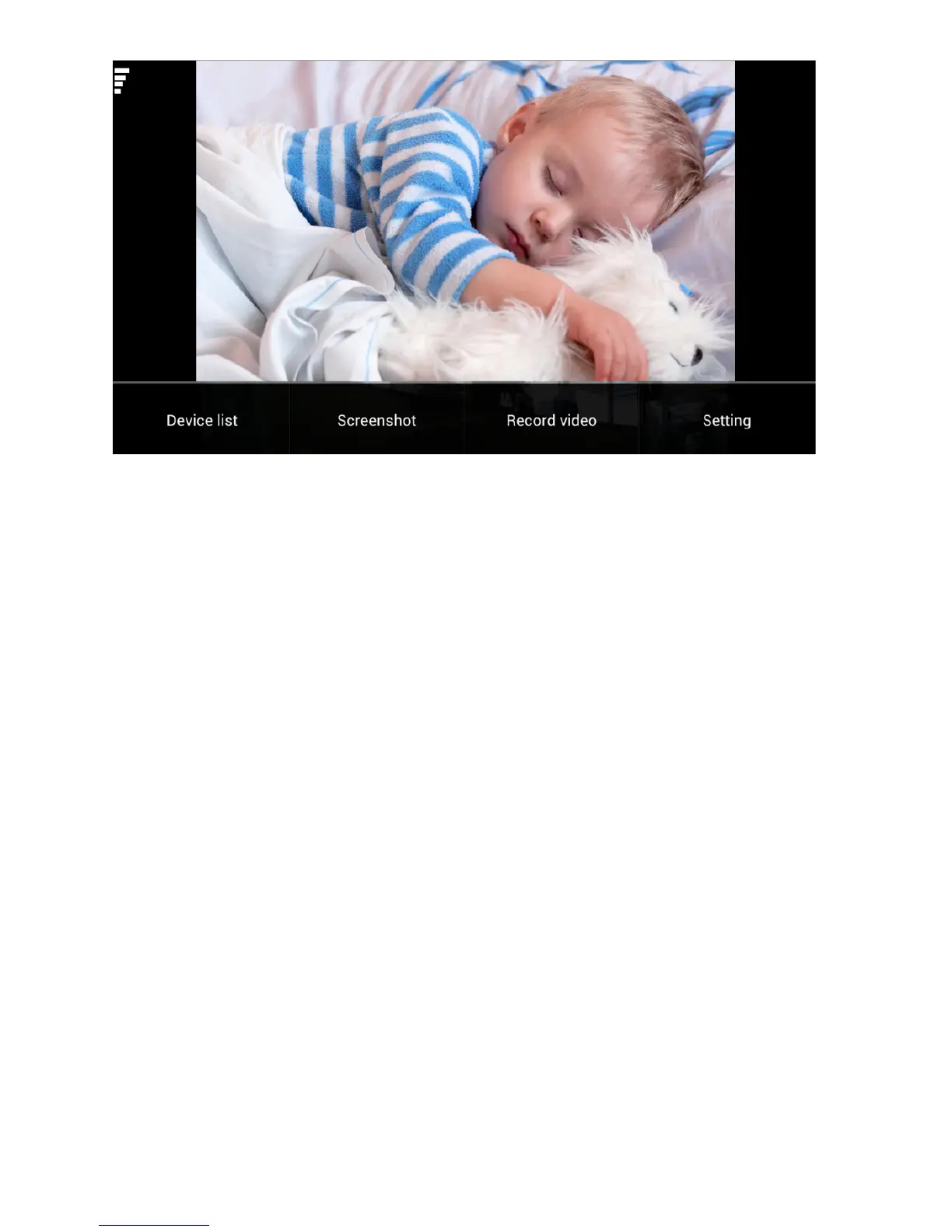
Figure 5
! Device list: you can add new devices, delete devices or
switch between devices.
! Screenshot: click on the ‘Screenshot’ button to capture, the
pictures are stored to the phones photo gallery.
! Record Video: when you click on the ‘Record video’ button
the app will start recording, to stop recording click the button
again. Video files are automatically stored to the phones
photo gallery.
! Settings: click on the ‘Setting’ button to enable the audio
functions.
Audio – turn on to listen to sound from the mic on the
camera
Speaking – turn on to allow audio from your phone to be
sent to the camera (note camera needs external speaker
connected to the audio out)
! Pan & Tilt control: swipe your finger on screen in the
direction you want the video to move.



 To Next Page