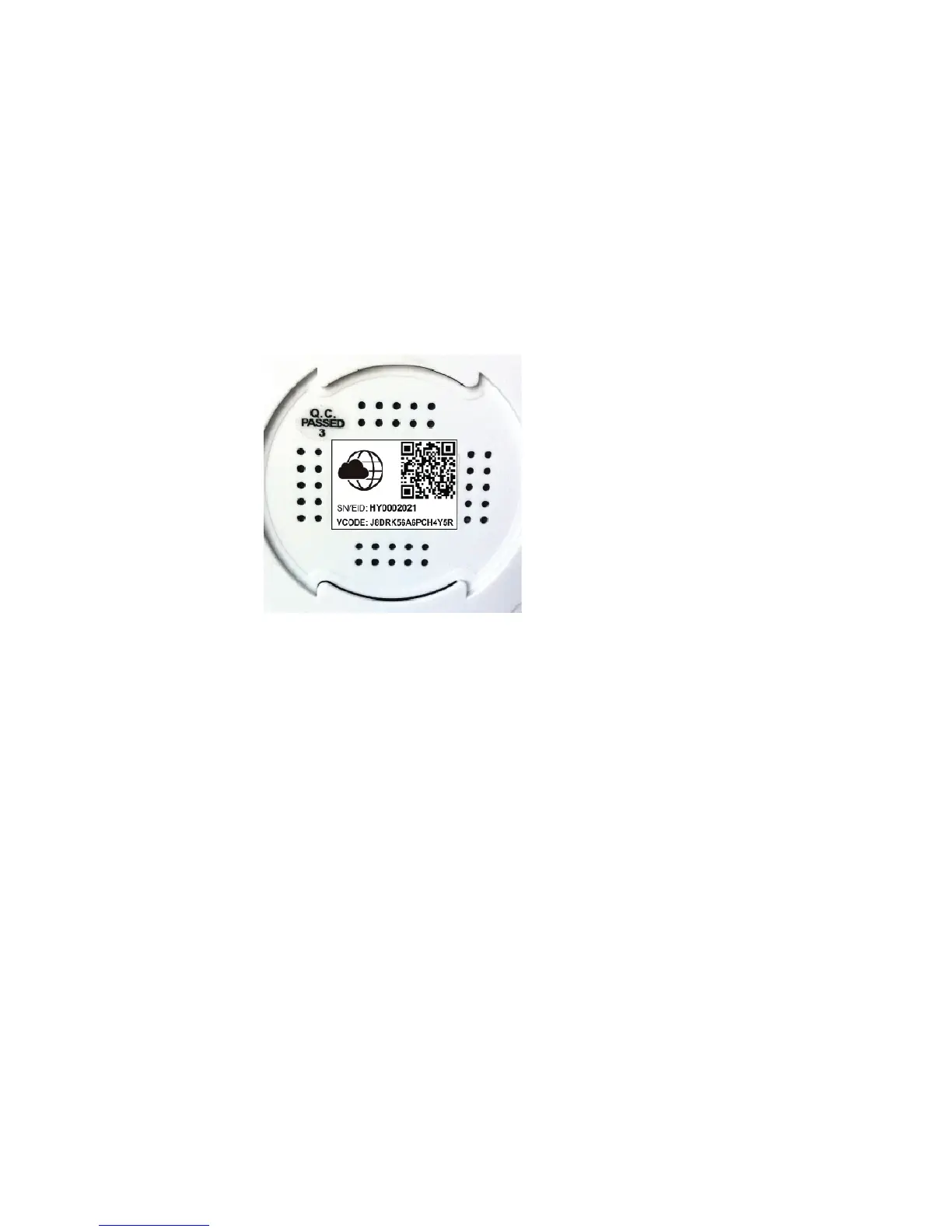
code on the bottom of the iCamera+ and automatically
enter the correct information.
! Username: 4-15 english characters and numbers.
! Password: 4-15 english characters and numbers.
! Confirm Password: input password again.
! E-mail: if you forget your password we will send the info to
this e-mail address.
Press “Ok”
Figure 4
Step3:
Enter username and password and press the ‘login’ button in
Figure 2.
Viewing & Operation



 To Next Page