EasyManua.ls Logo

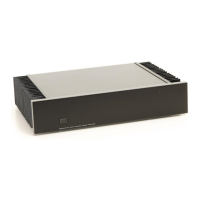
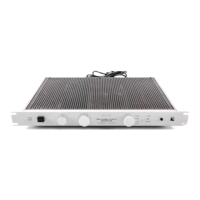
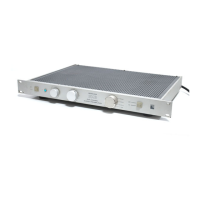
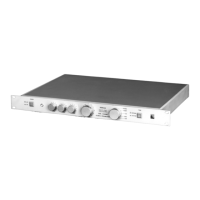
Perreaux R200i - User Manual

Perreaux R200i
76 pages
Print Icon
To Next Page IconTo Next Page
Loading...
2
Perreaux Industries Limited makes no warranty for the use of its products, other than those
expressly contained in the warranty detailed herein. The Company assumes no responsibility
for any errors which may appear in this document, reserves the right to change products or
specifications detailed herein at any time without notice, and does not make any commitment
to update the information contained herein. No licenses to patents or other intellectual
property of Perreaux are granted by the Company in connection with the sale of Perreaux
products, expressly or by implication.
Perreaux is a registered trademark of Perreaux Industries Ltd.
Terms and product names in this document may be trademarks of others.

Table of Contents

Question and Answer IconNeed help?

Do you have a question about the Perreaux R200i and is the answer not in the manual?

Summary

Important Safety Instructions

Features at a Glance

Special Design Features

Protection Functions

External AC Supply Protection

Explanation of the soft charging circuit protecting the mains and equipment.

Maximum Volume Protection

Feature to protect speakers from damage due to excess power by software configuration.

Internal AC Supply Protection

Monitoring of toroidal transformer voltages to shut down on AC output failure.

Over Current Protection

Protects against damage from excessive current draw, user resettable.

Over Temperature Protection

Monitors heat sink temperature and disconnects channels if overheating occurs.

DC Offset Protection

Corrects and protects against damaging DC offset from source components.

Rear Panel Functions

Serial Number, Input Voltage and Fuse Rating

Information on identifying the unit, voltage requirements, and fuse specifications.

AC Mains Input and Fuses

Connection for mains power and user-accessible fuses for the R200i.

Front Panel Interaction

Buttons

Explanation of the function of each button on the R200i's front panel.

Vacuum Fluorescent Display

Details on the R200i's display showing input, volume bar graph, and numeric level.

Instant Install

Using the Remote Controller

Operating the Remote Controller

Explanation of how to use the remote control's buttons for volume and other functions.

Interacting with Your R200 i

Maximising System Potential

Faultfinding Your R200 i

Cause and Elimination of Hum

Identifying and resolving hum issues in the audio system, including induced hum and earth loops.

Identifying and Isolating Problems

Methodology for diagnosing faults by isolating components in the audio system.

Faultfinding Flowchart

A step-by-step diagram to help diagnose and locate audio system faults.

Description of Amplifier Faults

Details of fault codes displayed by the R200i and their meanings.

Warranty Information and Obtaining Service

1 Year Limited Warranty

Terms of the standard one-year warranty for the Perreaux R200i.

5 Year Extended Warranty

Information on obtaining an extended warranty for the R200i.

Specifications

Preamplifier Specifications In Brief

Concise summary of the R200i's preamplifier performance metrics.

Power Amplifier Specifications

Concise summary of the R200i's power amplifier performance metrics.

Preamplifier Specifications Explained

Detailed explanation of the R200i's preamplifier specifications.

Power Amplifier Specifications Explained

Detailed explanation of the R200i's power amplifier specifications.
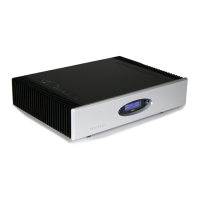
Perreaux R200i Specifications

General IconGeneral
BrandPerreaux
ModelR200i
CategoryAmplifier
LanguageEnglish

Related product manuals