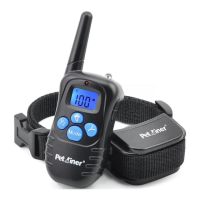
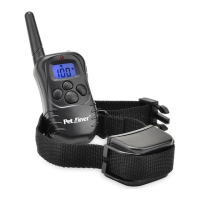
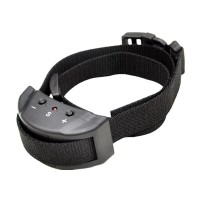
Sync transmitter with collar-receiver:
1. Power on the remote transmitter by pressing any button on the
transmitter.
2 Select channel 1 or 2..
3
beep will sound.
. Power or the Receiver Collar by press the ON/OFF button on collar, a
4 Press ON/OFF button afresh and hold it for 5 seconds, and then the
LED light will start to flash.
.
5 Now you can hear the first beep from the collar-receiver and then press
the “Y” button (of the transmitter) immediately
.
6 You will hear the second beep from the receiver, which signifies that
the transmitter and the receiver have been synced.
.
7 To sync the transmitter and the second receiver, repeat step 2 through 6..
8 Please be sure to choose the other channel..
NB: According to the factory default settings, when the collar-receiver
has been turned on the syncing should be completed within 10 seconds,
thereby you have to press the “Y” button in good time or press it at least
within 10 seconds. Please DO NOT try to sync the transmitter with the
two collar-receivers (if any) at the same time.
Test the training system
The following testing methods will help you ascertain whether this training
system functions swimmingly. Please make sure that you have connected
the transmitter and collar-receiver before testing.
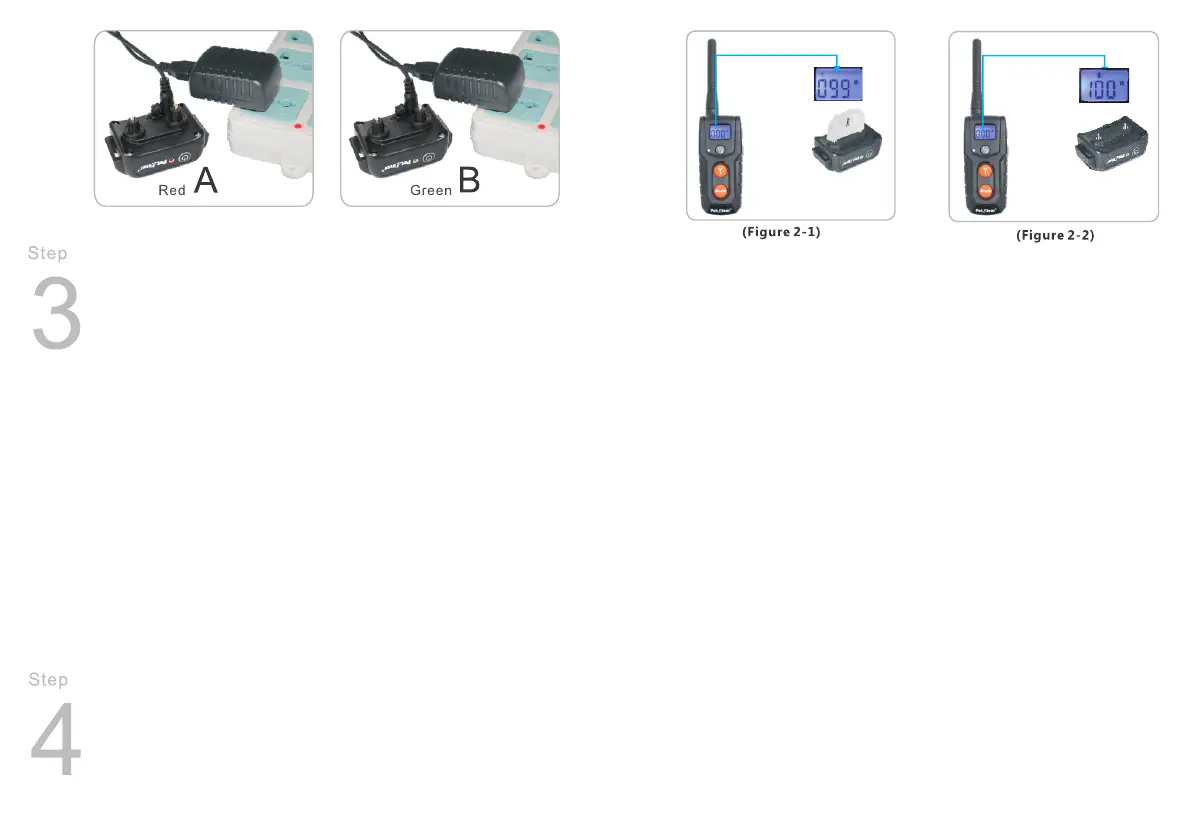
Test the static shock function (Figure 2-1)
Put the test-l ight on the con tact p oints of the collar -receiver. Turn on
the remote transmitter, switch to SHOCK mode and press the UP/DOWN
button to adjust the intensity level.
Press “ Y” b utto n and t he bulb wi ll flash, sig nifying tha t the S HOCK
function w orks. Pl ease make sur e the S HOCK level is above 0 when
testing th e fu ncti on.
Note: If wanting to test the shock function on yourself, please ensure
your finger or hand is across both contact points to ensure the connection
is complete. Otherwise, user will feel no stimulation.
Test the vibration functions (Figure 2-2)
Turn on the remote transmitter, switch to VIBRATION mode and press
the UP/DOWM button to adjust the vibration level.
Press “Y” button and the collar-receiver will vibration, signifying the
VIBRATION function works. Please make sure the vibration level is well
above 0 when test the function.
Test the beep function (Figure 2-3)
Turn on the remote transmitter, switch to BEEP mode.
Press “ Y” bu tto n, the co lla r-r ece iver wi ll be ep, s ignif yin g t he BEEP
function w ork s.
Important: If the transmitter is in sleep mode (the LCD display is turned
off), you must press the “Y” button once to wake up the unit, then press
-9-
-10-


 To Next Page