7
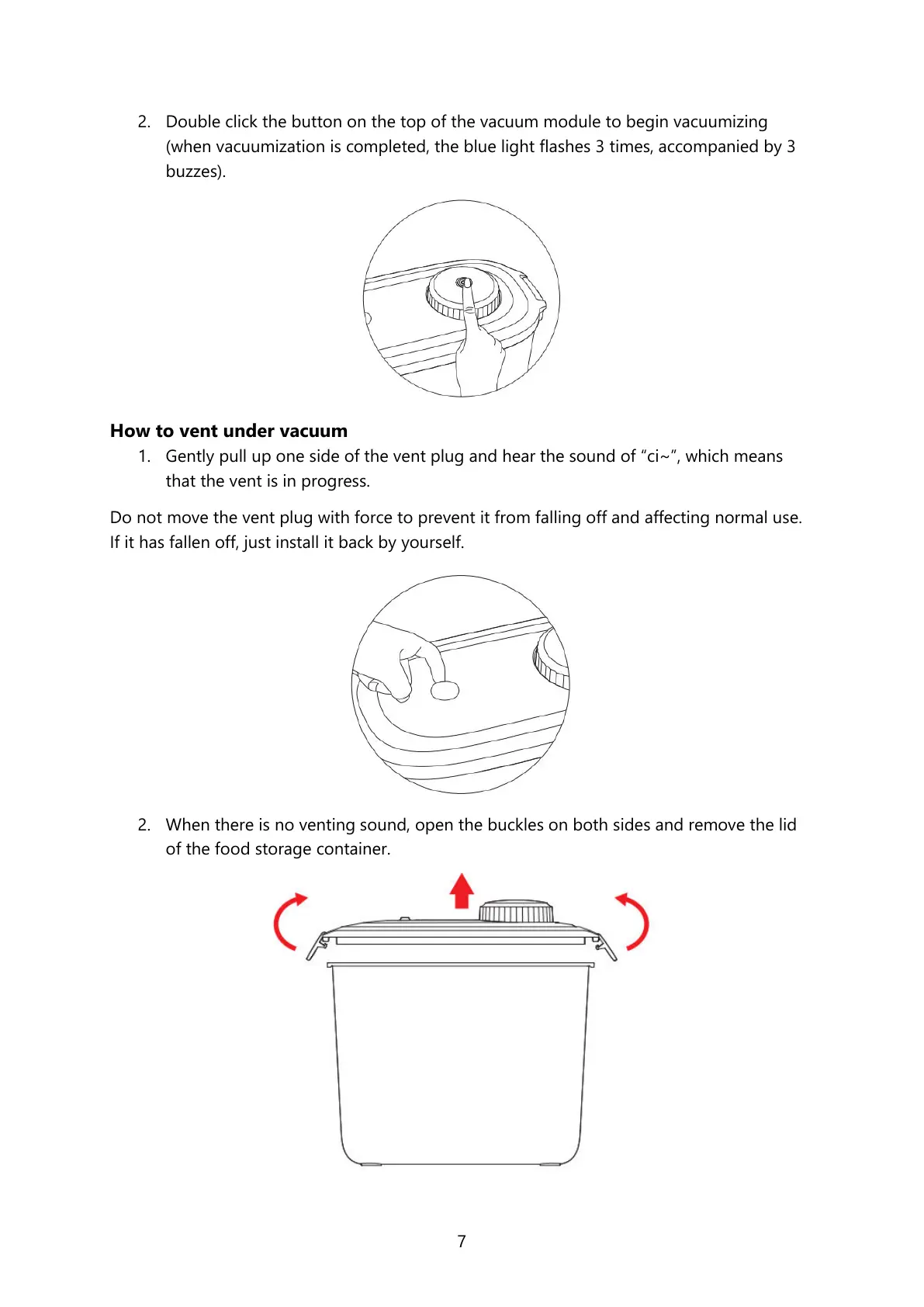
2. Double click the button on the top of the vacuum module to begin vacuumizing
(when vacuumization is completed, the blue light flashes 3 times, accompanied by 3
buzzes).
How to vent under vacuum
1. Gently pull up one side of the vent plug and hear the sound of “ci~”, which means
that the vent is in progress.
Do not move the vent plug with force to prevent it from falling off and affecting normal use.
If it has fallen off, just install it back by yourself.
2. When there is no venting sound, open the buckles on both sides and remove the lid
of the food storage container.




 To Next Page