8
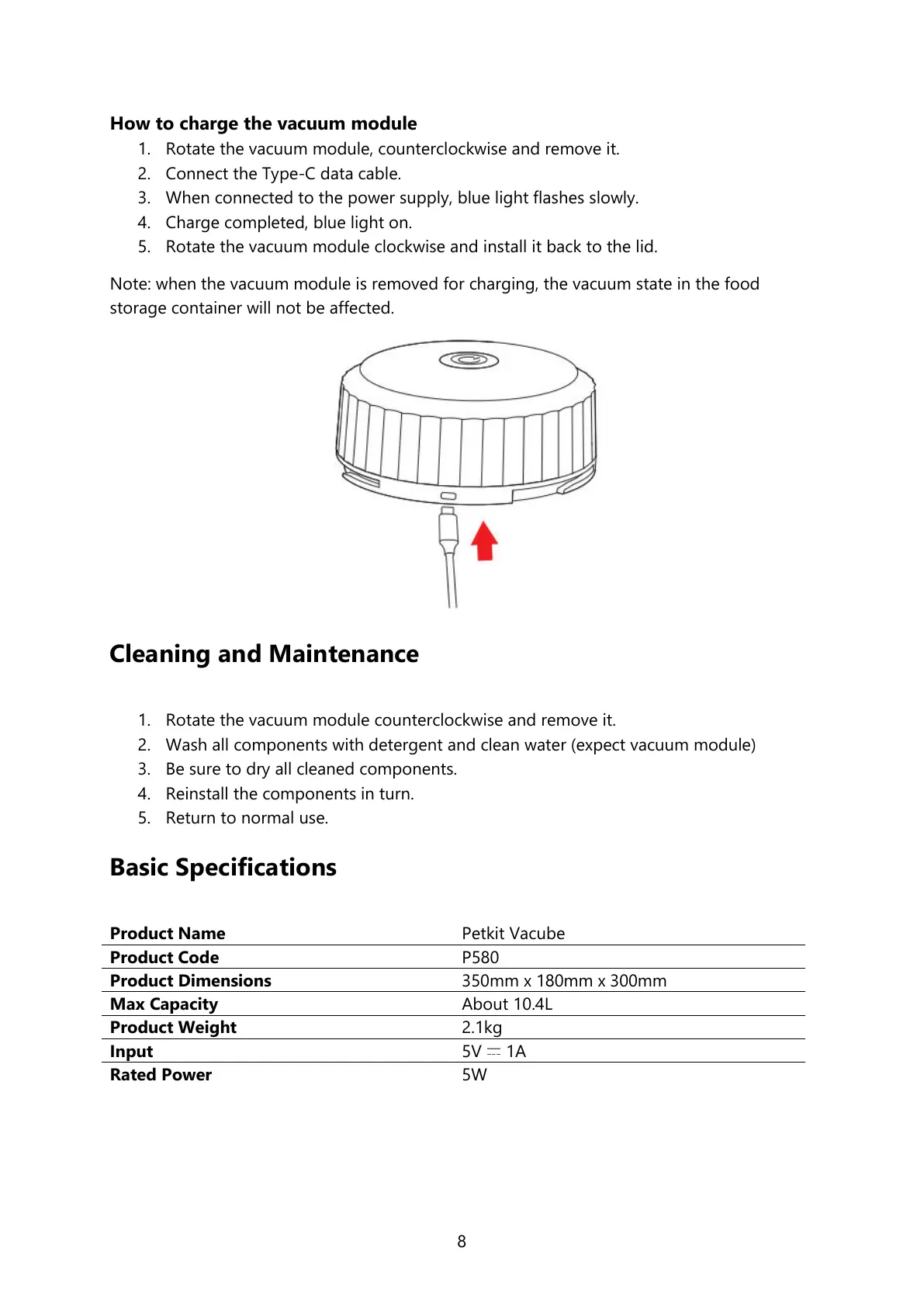
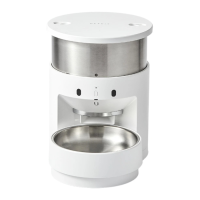
How to charge the vacuum module
1. Rotate the vacuum module, counterclockwise and remove it.
2. Connect the Type-C data cable.
3. When connected to the power supply, blue light flashes slowly.
4. Charge completed, blue light on.
5. Rotate the vacuum module clockwise and install it back to the lid.
Note: when the vacuum module is removed for charging, the vacuum state in the food
storage container will not be affected.
Cleaning and Maintenance
1. Rotate the vacuum module counterclockwise and remove it.
2. Wash all components with detergent and clean water (expect vacuum module)
3. Be sure to dry all cleaned components.
4. Reinstall the components in turn.
5. Return to normal use.
Basic Specifications




 To Next Page