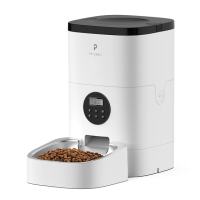
PORTION
MEAL
1234
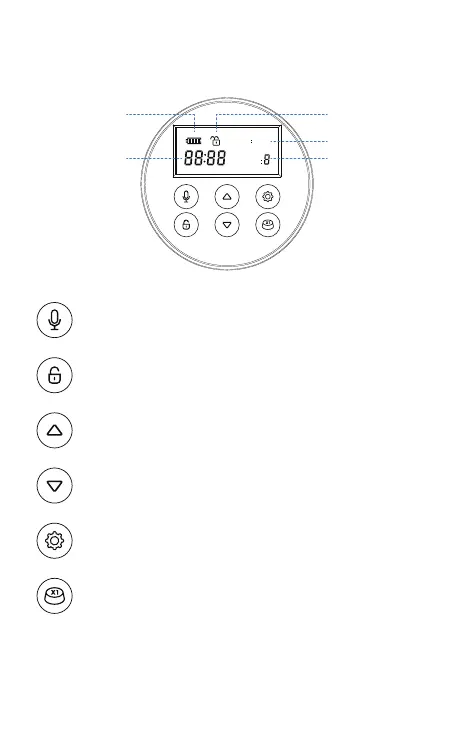
Battery level
Time (24H format)
Meal (1-4)
Portion (1-9)
Notes:
Press and hold for 3s until a beep is heard. Release, record (max 10s)
and press again to end as a double beep is heard. Repeat to record a
new audio.
Press and hold for 3s to unlock. When the LCD screen is off, press the
button before any further operations (except resetting by pressing the
Up button).
Press to increase value.
Press and hold for 10s when screen off to reset all settings.
Press to decrease value.
Press to switch between time, meal, and portion settings, and hold
for seconds until a specific icon blinks on the display indicating it’s
ready setting.
1)
2)
Automatically lock the screen after 15s of standby.
2 ½ tsp / 12.5ml per portion.
Locked / Unlocked
1
Press to manually feed a portion (appr. 2 ½ tsp / 12.5ml)
2
3


 To Next Page