Need help?
Do you have a question about the Petlibro PLAF006 and is the answer not in the manual?
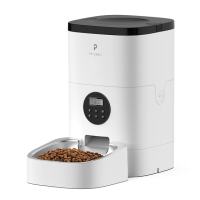
Press and hold for 3s to unlock other buttons and screen.
Press to switch between meal number or decrease number.
Press 1-5 times to dispense 1-5 portions of food.
Press to record your message (max 10s) and save.
Press to switch between meal number or increase number.
Press to confirm or hold for 3s to return to locked interface.
Indicates the device is ready for current time setting.
Indicates battery status; red and flashing means low.
Lights up when other buttons are locked.
Indicates ready for setting times or recording playback.
 General
| Brand | Petlibro |
|---|---|
| Model | PLAF006 |
| Category | Pet Care Product |
| Language | English |

 To Next Page