6
Quick setup
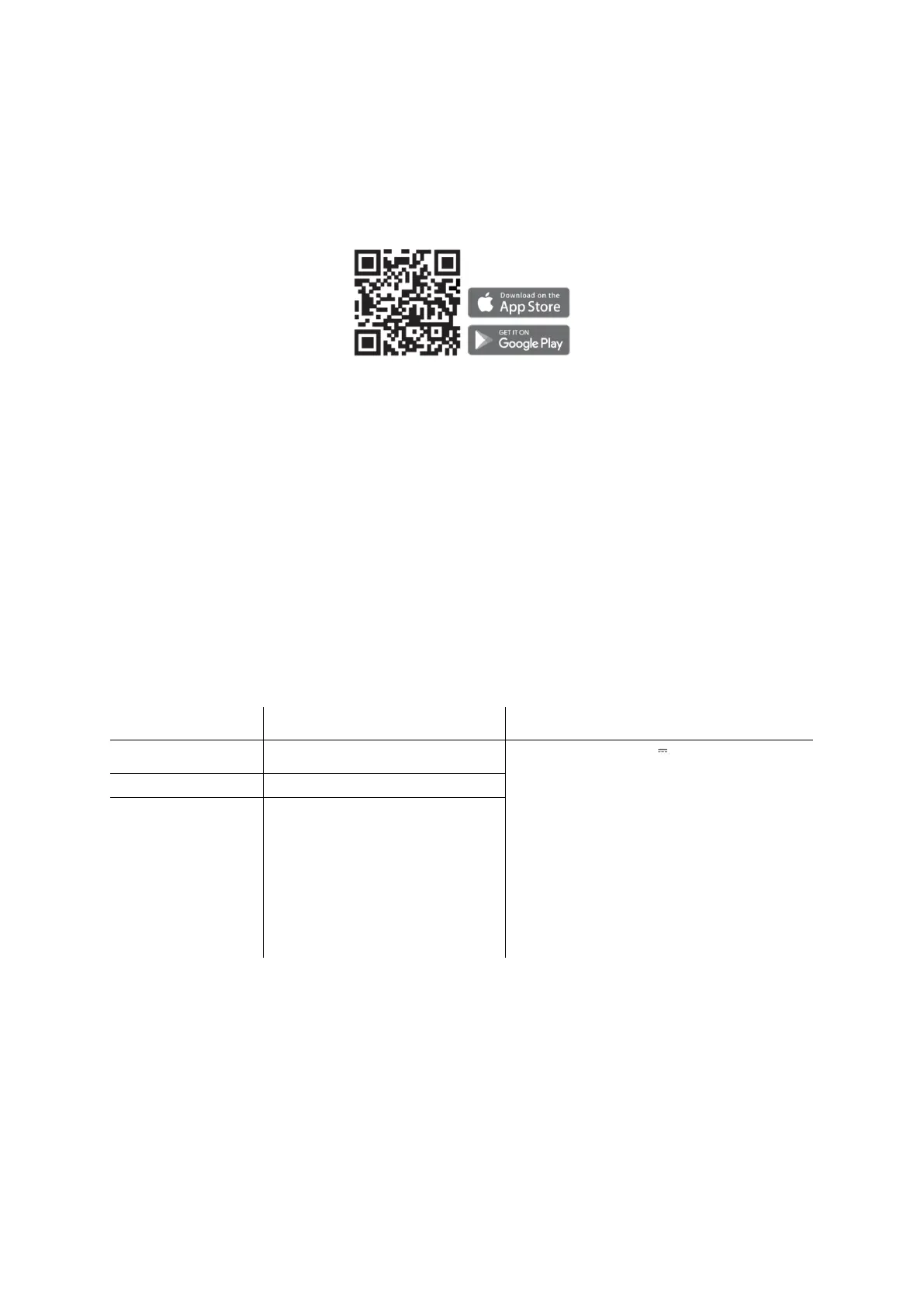
1. Scan the QR code on the right and download the Petoneer App, which is available
on App Store and Google Play. Click Sign up to get walked through to create your
Petoneer account.
2. Power on and ensure the Wi-Fi Indicator LED is flashing slowly, reflecting the device
is ready for joining the Wi-Fi. Open the Petoneer App and click the '+' button and get
walked through the SET-UP steps.
Notice:
1. The pet cam doesn’t support the 5 GHz Wi-Fi, please make sure your Wi-Fi is 2.4 G.
2. If the Wi-Fi indicator is not blinking slowly after power-on, please long press and hold
the button until the indicator blinks slowly.
LED status
Power Input: 5 V 2 A
Capacity: 3.7 L (1.5 kg)
Size: 9.05 x 9.68 x 13.86 inches,
230 x 246 x 352 mm
Communication: Wi-Fi (2.4 GHz)
Resolution: 1080 P
Range: 98.5 feet (30 m)
Net weight: 2.2 kg
Precautions
1. Please use it in the indoor environment.
2. Do not drop anything other than dry food into the food hopper. Otherwise, there is
a risk of dysfunction or mistaken feeding.



 To Next Page