EasyManua.ls Logo

Petsafe ScoopFree Smart - User Manual

Petsafe ScoopFree Smart
12 pages
Print Icon
To Next Page IconTo Next Page
Loading...
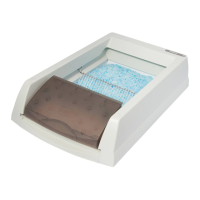
PAL00-16807
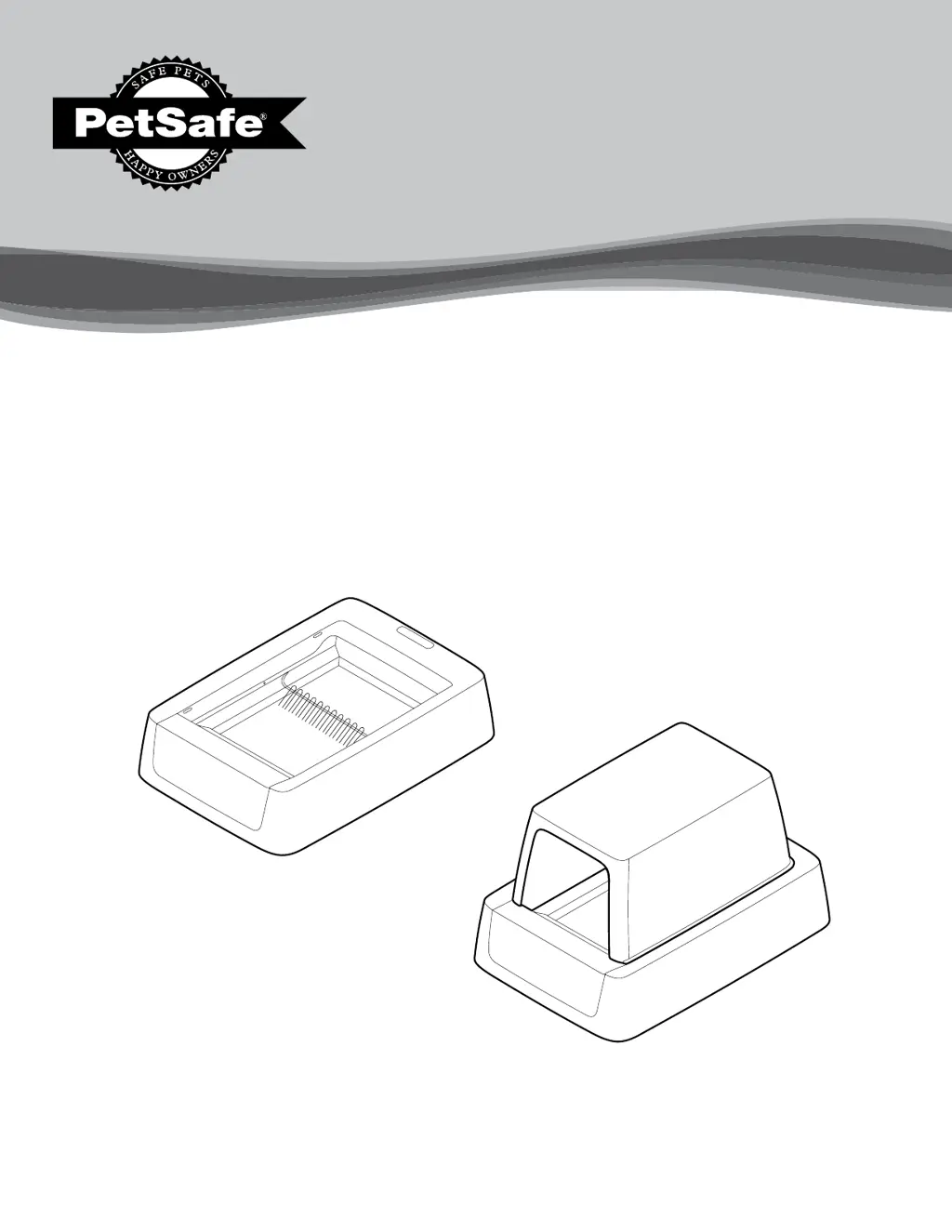
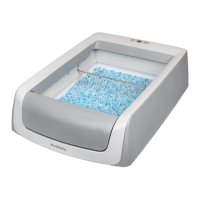
ScoopFree
®
Smart
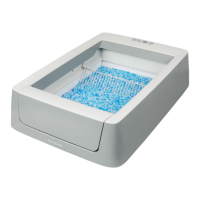
Self-Cleaning Litter Box
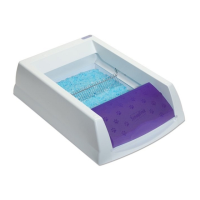
PAL00-16808
ScoopFree
®
Smart
Covered Self-Cleaning Litter Box
Please read this entire Product Manual before beginning.
Product Manual
Smart
Smart Covered

Questions and Answers

  • T
    Terri MasonJul 28, 2025
    What to do if the manual rake button LED light changes to solid red on Petsafe ScoopFree Smart Pet Care Product?
    • A
      Alicia JosephJul 28, 2025
      If the manual rake button LED light changes from blue with red flashes to solid red after you press it on your Petsafe Pet Care Product, first check for any obstructions around the rake and remove them. Ensure the magnets on the waste trap lid are properly attached to the metal tabs on the litter tray. Also, check if the detection sensors are dirty or obstructed, and clean them if needed. Verify if the waste trap is full and change the litter tray if it is. Make sure the litter is evenly distributed, without adding extra litter. If none of these steps work, unplug the litter box, wait 10 seconds, and plug it back in. The rake should then return to its home position, and the LED light should turn solid blue.
  • J
    John DunnAug 6, 2025
    How to fix Petsafe ScoopFree Smart on-boarding process if steps are not finalizing?
    • V
      Vincent HubbardAug 7, 2025
      If you cannot complete the on-boarding process for your Petsafe Pet Care Product because the steps are not finalizing, try closing the app completely, ensuring it's closed in the background as well. Then, reopen the app and proceed as usual. If that doesn't work, unplug the litter box, wait 10 seconds, and plug it back in. Close and reopen the app once the litter box is plugged back in. If necessary, reset the Wi-Fi by holding down the Wi-Fi button on the litter box for 10 seconds.
  • S
    Samantha AllenAug 17, 2025
    Why don't the magnets attach on my Petsafe Pet Care Product waste trap cover?
    • T
      Travis LewisAug 17, 2025
      If the magnets on the waste trap cover of your Petsafe Pet Care Product do not attach to the litter tray, it might be that the waste trap lid is not properly installed. Press down on the waste trap lid or lift the waste trap on the litter tray until you hear a “click,” indicating that the magnets have attached to the tray.

Summary

Important Safety Information

Warning and Caution Labels

Explains the meaning of WARNING and CAUTION alerts for potential hazards.

General Electrical Safety Precautions

Lists essential precautions when using electric appliances to prevent shock or injury.

User and Pet Safety Guidelines

Advises on handling waste, keeping children away from parts, and pet-specific safety.

Getting Started

Litter Box Setup

Step-by-step guide to assemble and prepare the litter box for initial use.

Introducing Your Cat

Provides guidance on transitioning your cat to the new self-cleaning litter box.

Litter Tray Management

Care and Cleaning

Cleaning Procedures

Step-by-step instructions for cleaning the litter box components.

Troubleshooting Common Issues

Answers to frequently asked questions and solutions for operational problems.

Petsafe ScoopFree Smart Specifications

General IconGeneral
BrandPetsafe
ModelScoopFree Smart
CategoryPet Care Product
LanguageEnglish

Related product manuals