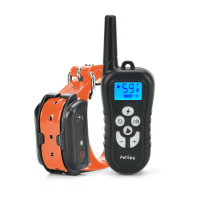
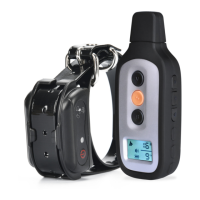
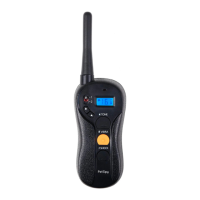
PREPARING REMOTE TRANSMITTER FOR YOUR FIRST USE
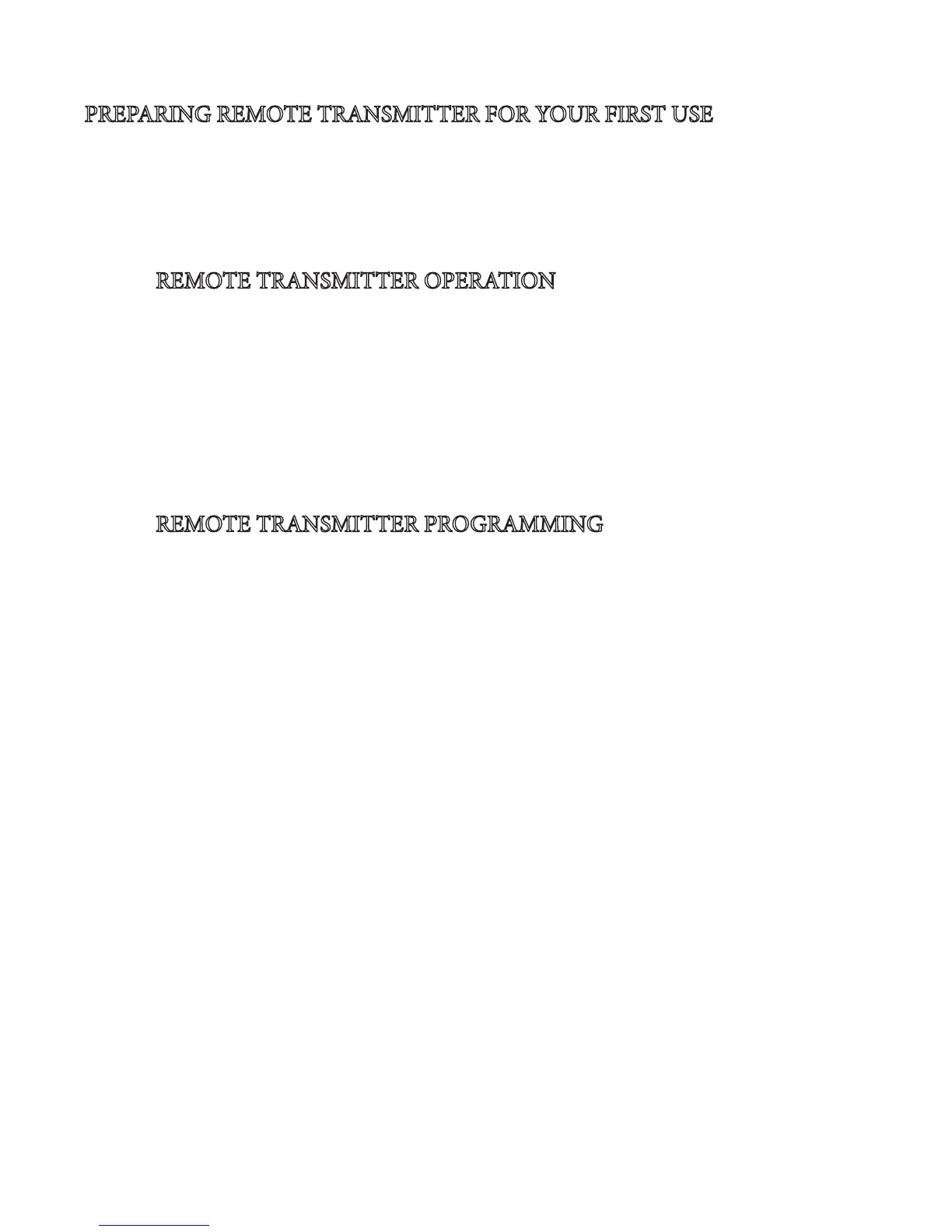
•Please charge the Remote Transmitter for approximately 2 hours.
•e Charging Port is located on top of the transmitter (next to antenna).
•During the charge, the Battery Indicator icon will be ashing. When the battery is fully
charged the indicator will turn solid, notifying you that the charging is completed.
REMOTE TRANSMITTER OPERATION
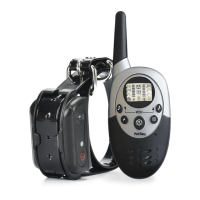
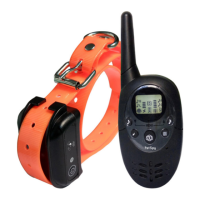
1. e remote always stays in the Stand-by Mode. Simply press any button to wake it up.
2. You can select which Receiver Collar is being controlled (A, B, or A&B) by pressing
the Menu/Mode Button.
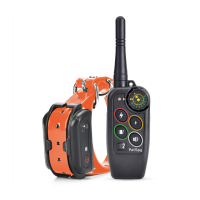
3. Press the Vibration Button to deliver the Vibration Stimulation to your dog.
4. Press the Shock Button to deliver the Shock Stimulation to your dog.
5. Press the Receiver Tone Button to deliver beeping noise to your dog during the
Sound Training.
REMOTE TRANSMITTER PROGRAMMING
1. Press any button to make sure that Remote is on.
2. Press and Hold the Menu/Mode Button for 3 seconds until you hear a beep to enter
the Programming Mode. e Receiver to be programmed (A, B, or A&B) will start
ashing. If Receiver A is ashing, but you would like to program Receiver B or both Re-
ceivers A&B, simply use 2 Tone Buttons (upper le and upper right) to switch between
the Receivers.
3. When desired Receiver is selected to be programmed (A, B, or A&B), press Menu/
Mode Button to start setting it up. e setup process starts with the Receiver Tone
Level. Use 2 Tone Buttons (upper le and upper right) to adjust its Level and then press
Menu/Mode Button to conrm. Next, it will take you to the Vibration Intensity Level
setup, Shock Intensity Level setup, and nally to the Transmitter Tone Level setup.
4. When programming is complete, press and hold Menu/Mode button to save your
settings.
5. You can repeat Steps 2-4 to program Receiver A, Receiver B, or both Receivers A&B.



 To Next Page