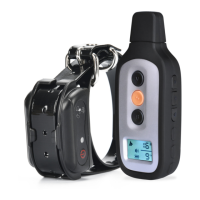
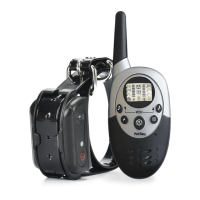
Step
8
How to pair the Remote Transmitter &
Receiver Collar
If your Receiver Collar does not beep when the TONE Button of the
Remote Transmitter is pushed,or if you feel the Receiver Collar is not
responding to the Remote Transmitter, follow these steps to pair:
1. With the Receiver Collar off your pet, turn the Receiver Collar off.
Restart, press and hold the On/Off Button until the Green LED flashes
every second on the Receiver Collar. This continues for 16 seconds,
within which pairing should be completed.
2. Press and hold the TONE and VIBRA Button of the Remote
Transmitter at the same time until the Green LED Light on the Receiver
Collar flashes rapidly for 5 times, indicating pairing is completed.
Two Dog System
NOTE: If you wish to add another Receiver Collar to the training system,
extra Receiver Collars are available where you bought your unit.
Remote Transmitter
1. Set the Toggle Switch to 2.
2. Turn on the Receiver Collar for Dog 2, press any Mode Buttons to
verify function.
3. If Dog 2 Receiver Collar does not respond. Pairing may be needed.
Repeat steps in How to pair the Remote Transmitter & Receiver
Collar above.
16
17
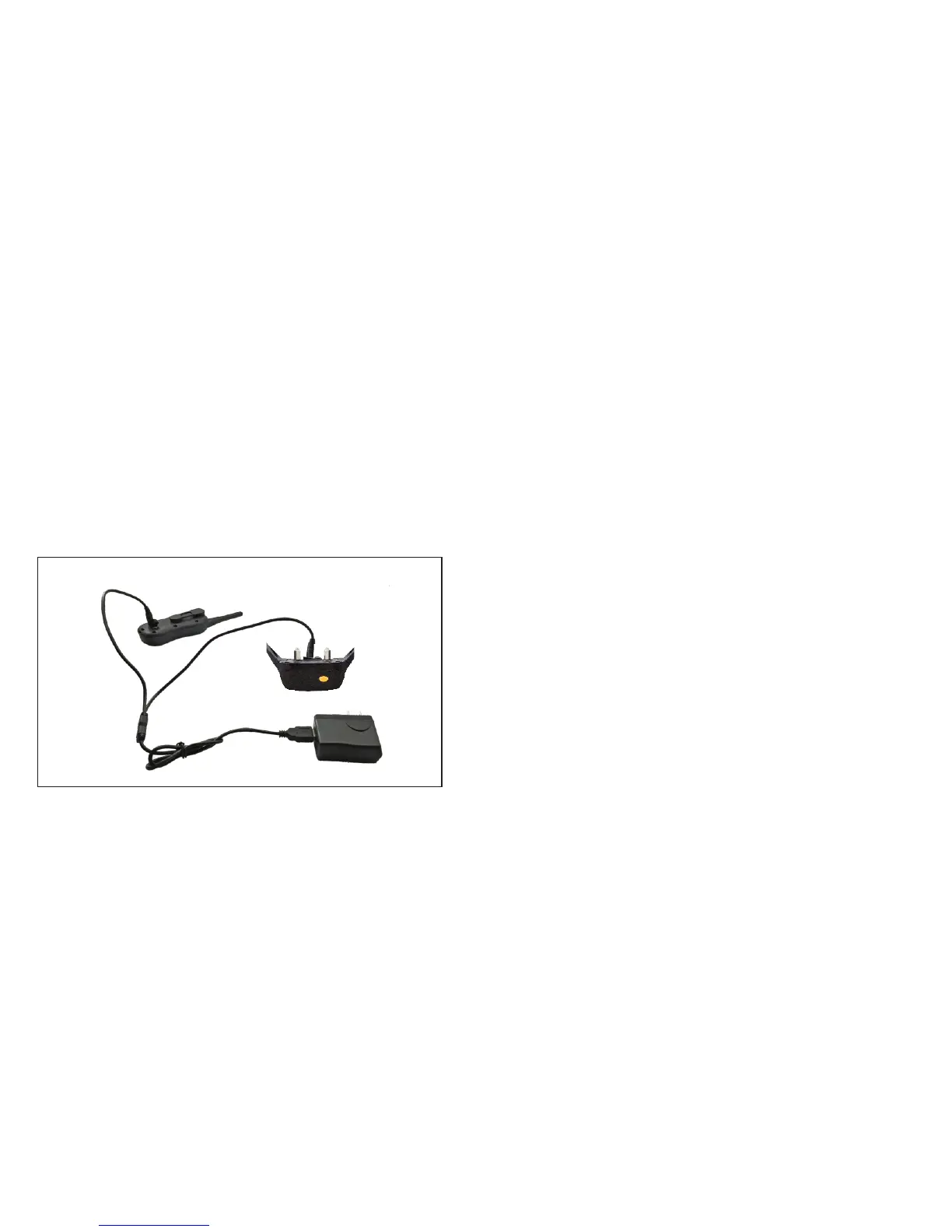
1. Lift the rubber covers protecting the Transmitter/Receiver Collar Charging Jack.
2. Connect the charger connectors to the Transmitter and Receiver Collar
Charging Jack, and as shown below.
3. Connect the USB port to the Charging Adapter.
4. Plug the charger into a standard wall outlet.
5. Charge the unit for 4 hours for the first charge. Recharges take only 2-3 hours.
Note: The Battery Indicator on the Transmitter will scroll and the indicator light in
steady red while charging; and the Battery Indicator will become steady, and the
LED Indicator Light flashes when fully charged.
The indicator light on the Receiver Collar will be in steady red while charging and
green light turned on when fully charged.
6. When charging is completed, remove the charger connector.


 To Next Page