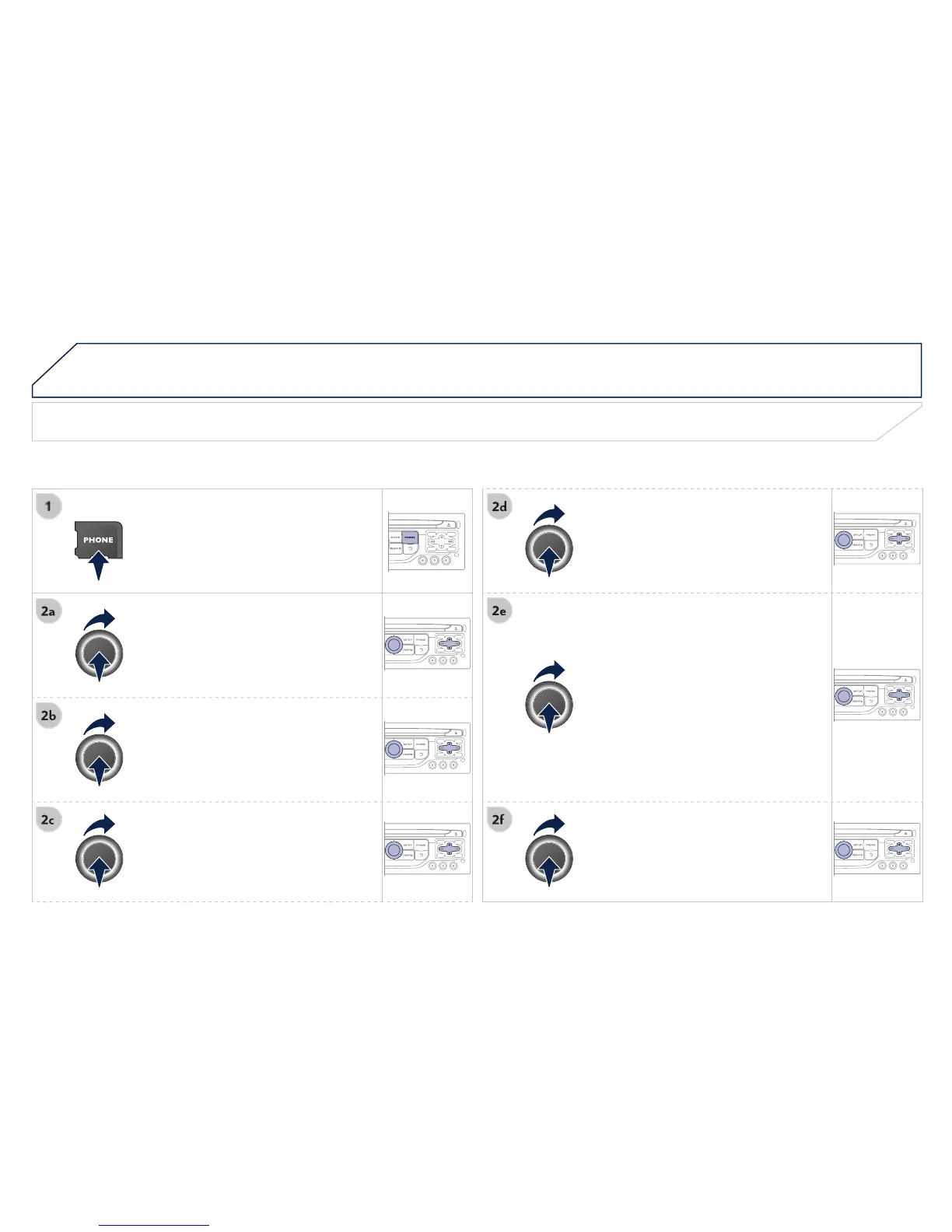
Directory configuration / Synchronisation with the telephone
choose the order in which they appear.
the contacts saved in the system.
- No synchronization: only the
contacts saved in the system
- Display telephone contacts: only
the contacts saved in the telephone.
- Display SIM card contacts: only
the contacts saved on the SIM card.
- Display all phone contacts:
contacts on the SIM card and in
all the contacts in the telephone and
Once imported, a contact remains visible
whatever telephone is connected.
number of contacts saved in the system
or imported, and the free memory.


 To Next Page