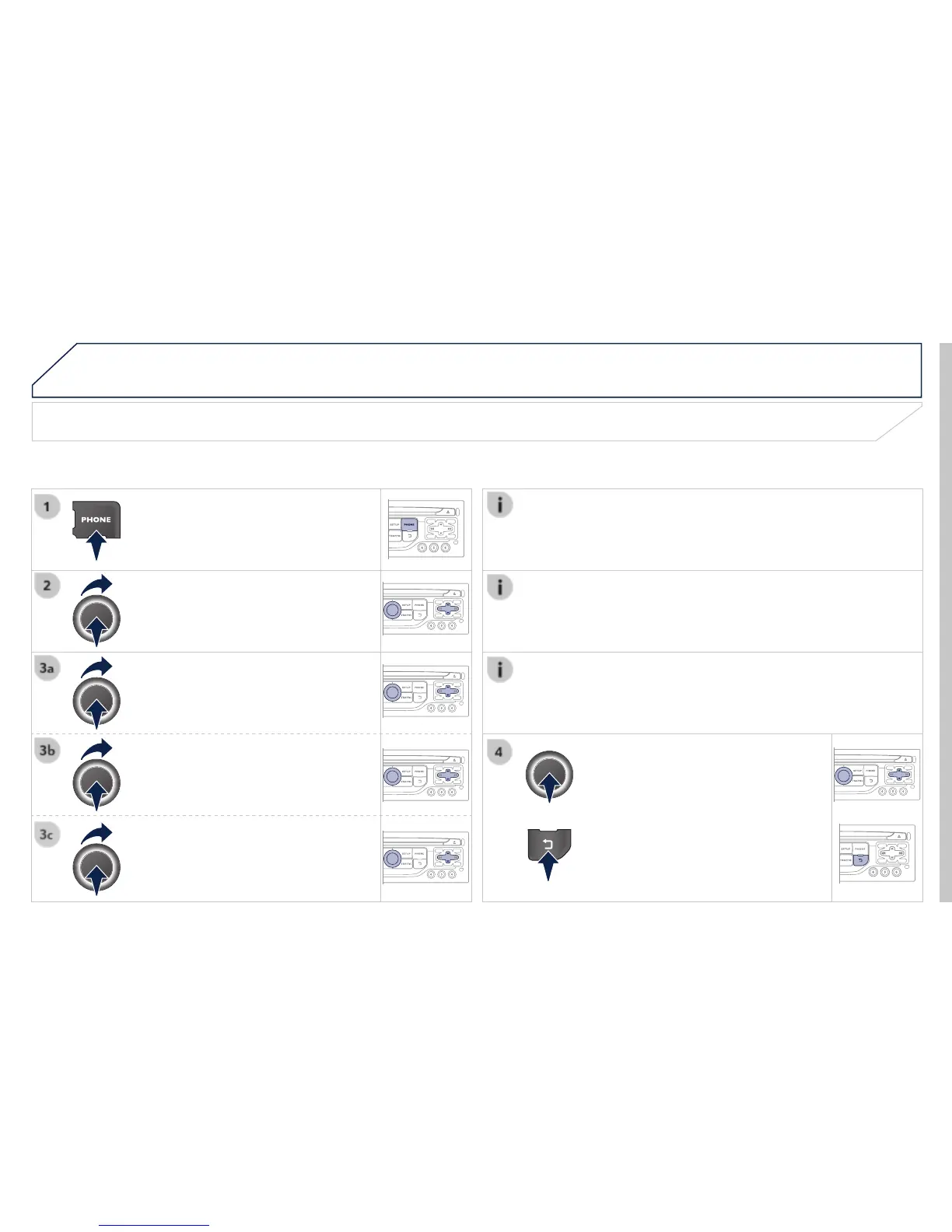
Editing, importing or deleting a contact
Select the desired contact and confi rm.
" to view a contact on the
telephone or modify a contact saved in
the telephone to the system.
or press the back button to exit
Once the contact has been imported, the Bluetooth symbol
disappears, replaced by the telephone symbol which shows that the
contact has been saved in the system.
It is not possible to modify or delete contacts in the telephone or the
SIM card via the Bluetooth connection.
" menu, the import and deletion of
contacts is done one by one.


 To Next Page