EasyManua.ls Logo

PEUGEOT RT6 - Page 8

PEUGEOT RT6
73 pages
Print Icon
To Next Page IconTo Next Page
To Previous Page IconTo Previous Page
Loading...
04
186
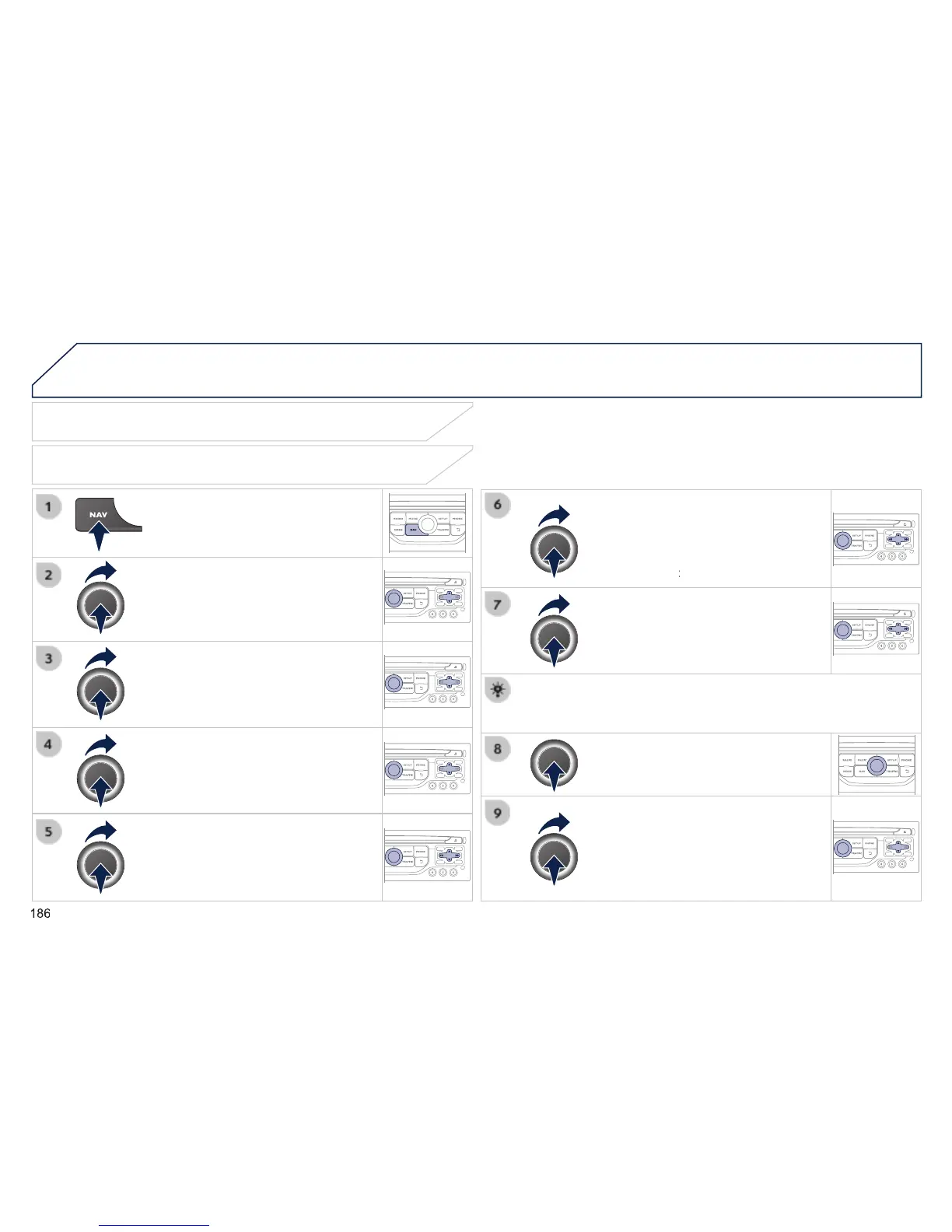
Press
NAV
to display the
"
Navigation - guidance
" menu.
Towards a new destination
Selecting a destination
Select "
Select destination
" and
confi rm, then select "
Enter an address
"
and confi rm.
Select the "
Country
" function then
confi rm.
Select the "
Town
" or "
Post code
"
function then confi rm.
Select the letters in the name of the
town or the characters in a post code
one at a time, confi rming each one with
the knob.
Selection the town from the list offered,
then confi rm .
A pre-set list (by entering the rst few
letters) of the towns in the country selected
can be accessed directly by selecting and
confi rming "
List
" in the screen.
List " in the screen. List
If possible, enter the "
Road
" and "
N°/X
"
information in the same way.
Select "
Archive
" to save the address entered in a contact fi le.
The system allows up to 400 contact fi les to be recorded.
Confi rm "
OK
" to start guidance.
Select the guidance criteria: "
Fastest
route
", "
Shortest route
" or optimised
"
Distance/Time
", then select the
desired restriction criteria: "
With tolls
",
"
With Ferry
", or "
Traffi c info
" then
confi rm "
OK
".
NAVIGATION - GUIDANCE