32
Phantom Miro C110 Camera Manual
What are the recording
limits of a Miro C110?
Yes. We include an Ethernet cable and a BNC cable with
the camera, just to get you started. But any Ethernet or
BNC cable will work.
Yes, with a converter. The Miro C’s come with a C lens
mount that can be reversed to become a CS lens mount.
To use an F-mount lens, you can purchase a converter
(part number VRI-FMNT-CMNT).
The Miro C110 has many of the design features as the
C210, and it is made to be rather tough. However, it is not
specified as a Hi-G camera, and cannot survive the same
shocks and vibrations that the C210 can survive. The
C110 is not designed to work with a Miro Junction Box,
and has different connectors.
The Miro C’s do not have a shutter, but you can still
perform a Current Session Reference (CSR). Just make
sure you cover the lens before clicking the CSR button.
Trigger (dedicated BNC); SDI (dedicated BNC); F-Sync
(Aux 1 default); Strobe (Aux 2 default)
The cameras draw only 12W during operation.
Can I use any Ethernet cable
with the Miro C110?
Can I use my F-mount lens with
the Miro C-Series cameras?
The C110 looks like the C210.
Is it Hi-G? Can it be used with a
Miro Junction Box?
If the camera doesn’t have a
shutter, how can I perform a
Current Session Reference?
What are the available
signals for the C110?
What is the worst case power
draw of the cameras?
faqs
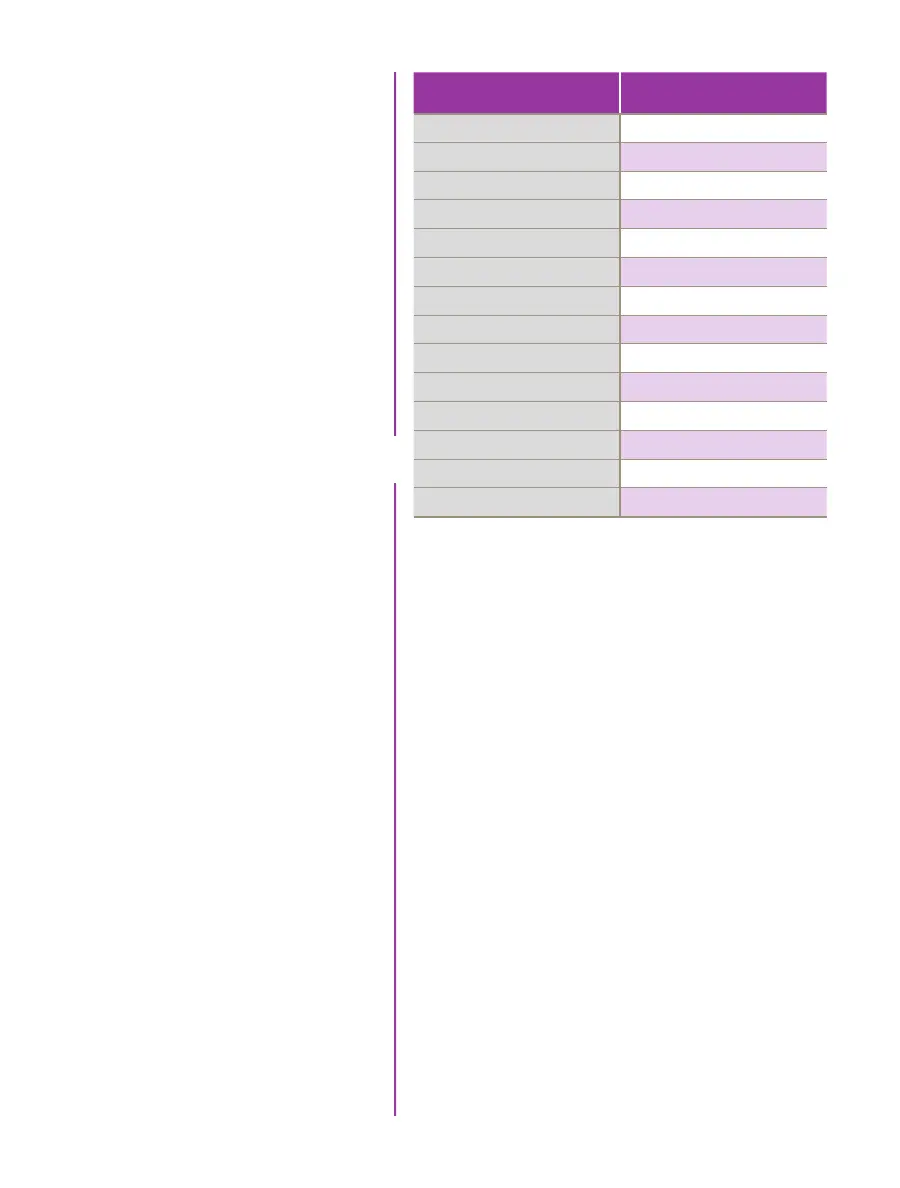
Resolution (W x H)
Max FPS
1
1280 x 1024
915
1280 x 720
1295
1024 x 768
1215
768 x 576
1615
768 x 480
1935
512 x 512
1815
512 x 384
2405
512 x 320
2870
384 x 288
3180
256 x 256
3565
128 x 128
6870
128 x 64
12805
128 x 16
36365
128 x 8
52445
1
Determined by ‘Resolution’
(Height) setting


 To Next Page
 Loading...

