18
Phantom Ultrahigh-speed Camera Manual
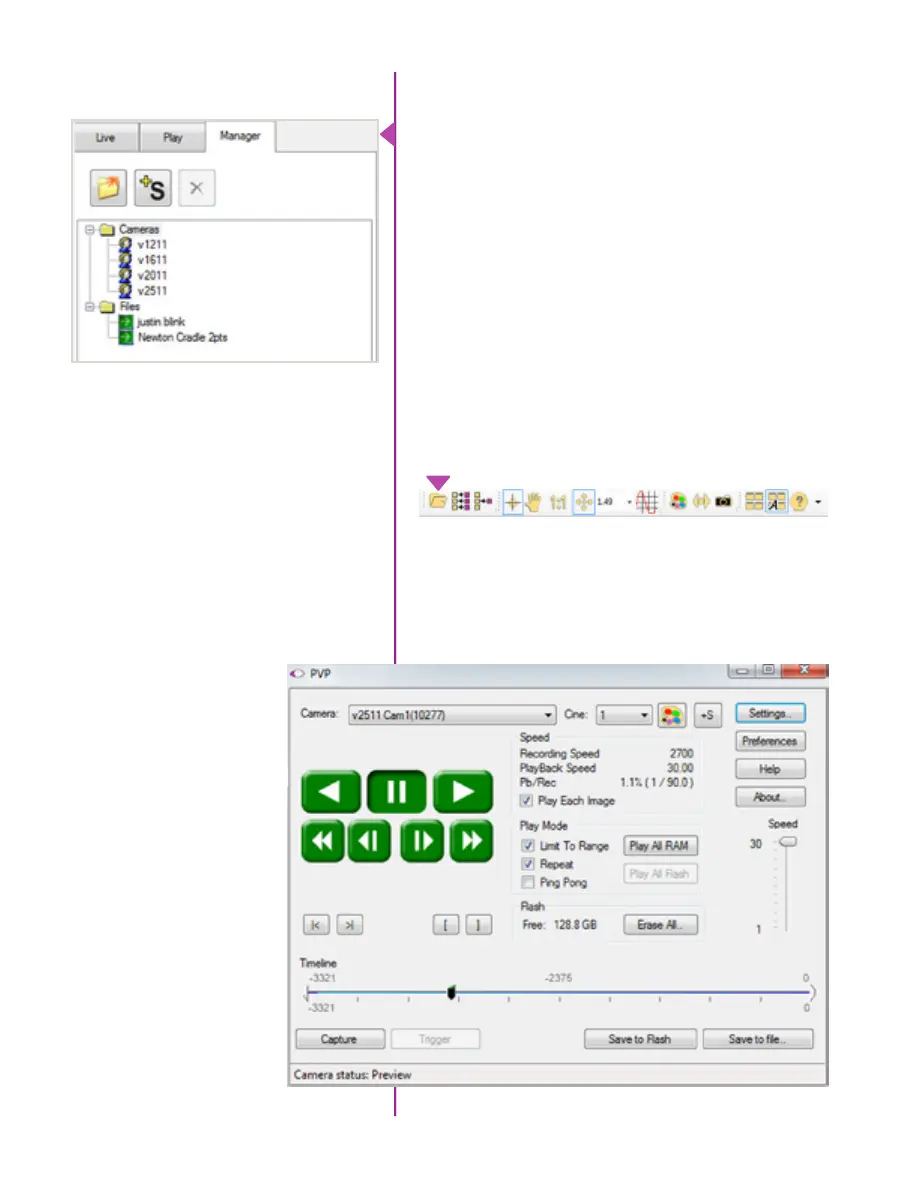
The main window of PCC is divided into three tabs: Live,
Play and Manager.
When first started, the ‘Manager’ tab is selected. It is in
this tab connected cameras are displayed, selected for
use, and renamed. It is also used to manage saved Cine
files.
To rename, highlight then click the name of a camera.
This can be useful when working with multiple cameras.
All camera control and setting of shooting parameters
(frame rate, shutter, etc.) is performed in the ‘Live’ tab.
The ‘Play’ tab is used to review, edit, and save Cine files,
(either from the camera or from files on the local hard
drive).
Control Tabs
PVP can be launched directly from the desktop, or
by clicking the ‘Video Out’ toolbar button in PCC. PVP
controls only the camera’s HD-SDI outputs as connected
to a compatible SDI monitor.
PVP (Phantom Video Player)
Application Overview



 To Next Page