45
Chapter 6: On-Screen Displays
Recording Duration
Time Stamp
Frame Rate
Serial Number / Name
Exposure Time
Resolution
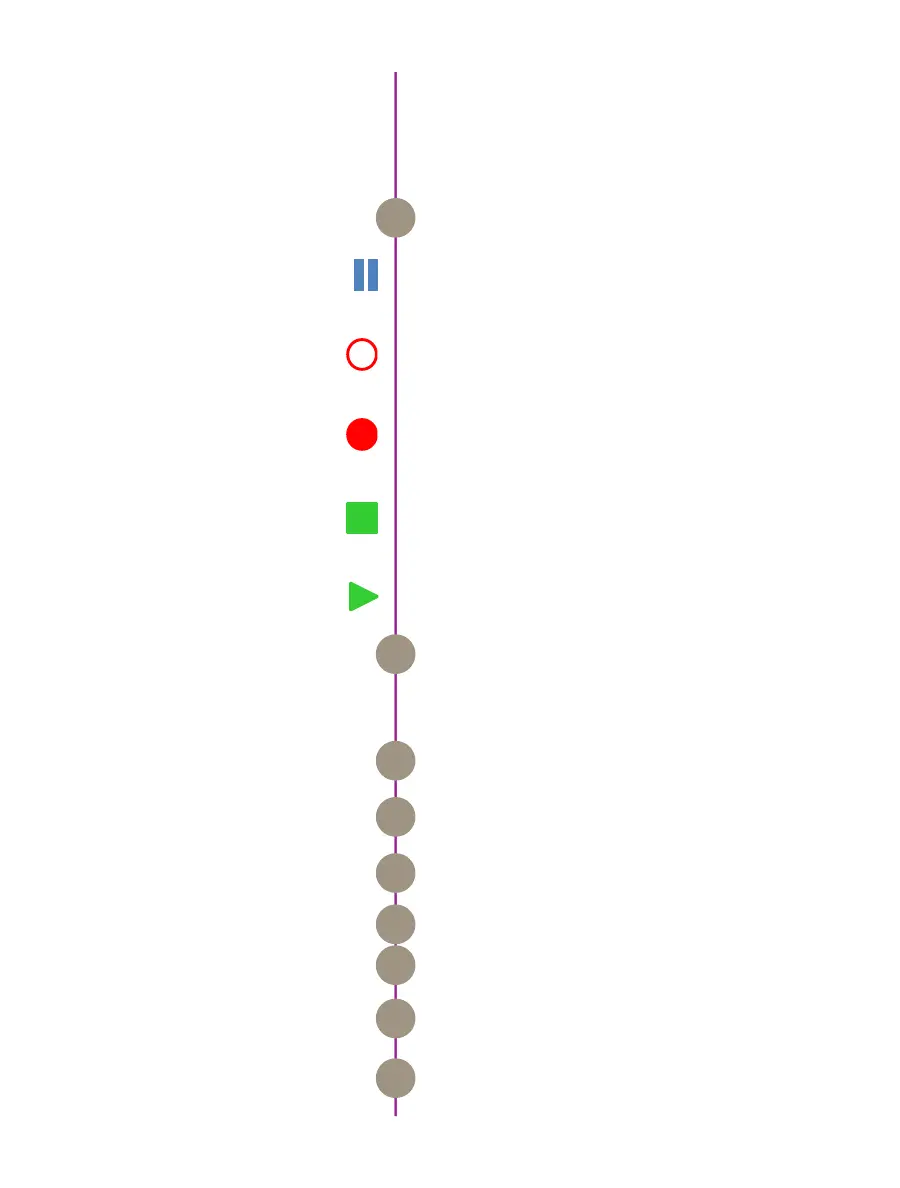
The symbol and color will change based on the state
of the camera.
Live Pre: camera is in LOOP mode but is not
recording to internal memory. Displays a ‘Live’ image
on the video monitor.
Waiting for Trigger: camera is recording to internal
memory (RAM), and awaiting a trigger signal. Displays
a ‘Live’ image on the video monitor.
Triggered: camera has been triggered, and is filling
internal memory (‘Post-Trigger’ frames). Displays a
‘Live’ image on the video monitor.
Cine Stored: recording has ended, and a cine is
stored in internal memory. Displays a ‘Live’ image on
the video monitor.
Playback: camera is in PLAYBACK mode a cine can
be selected for playback.
This ‘time line’ represents all frames available in
the camera’s internal memory (RAM buffer / circular
buffer). The ‘T’ symbol above the time line represents
the user-defined trigger point
Indicates the exact number of recordable frames
available in the camera’s internal memory.
Indicates the total length of recording time
(in minutes and/or seconds).
Indicates the day of the year/hour:minute:second:
microsecond.
Indicates the user-defined frame rate.
Indicates the camera serial number or user-defined
camera name.
Indicates the user-defined Exposure Time
(in milliseconds or microseconds).
Indicates the user-defined resolution (width x height),
in pixels.
Camera State
Internal Memory
Number of Frames Available
A
B
C
D
E
F
G
G
I
On-Screen Displays
6



 To Next Page